
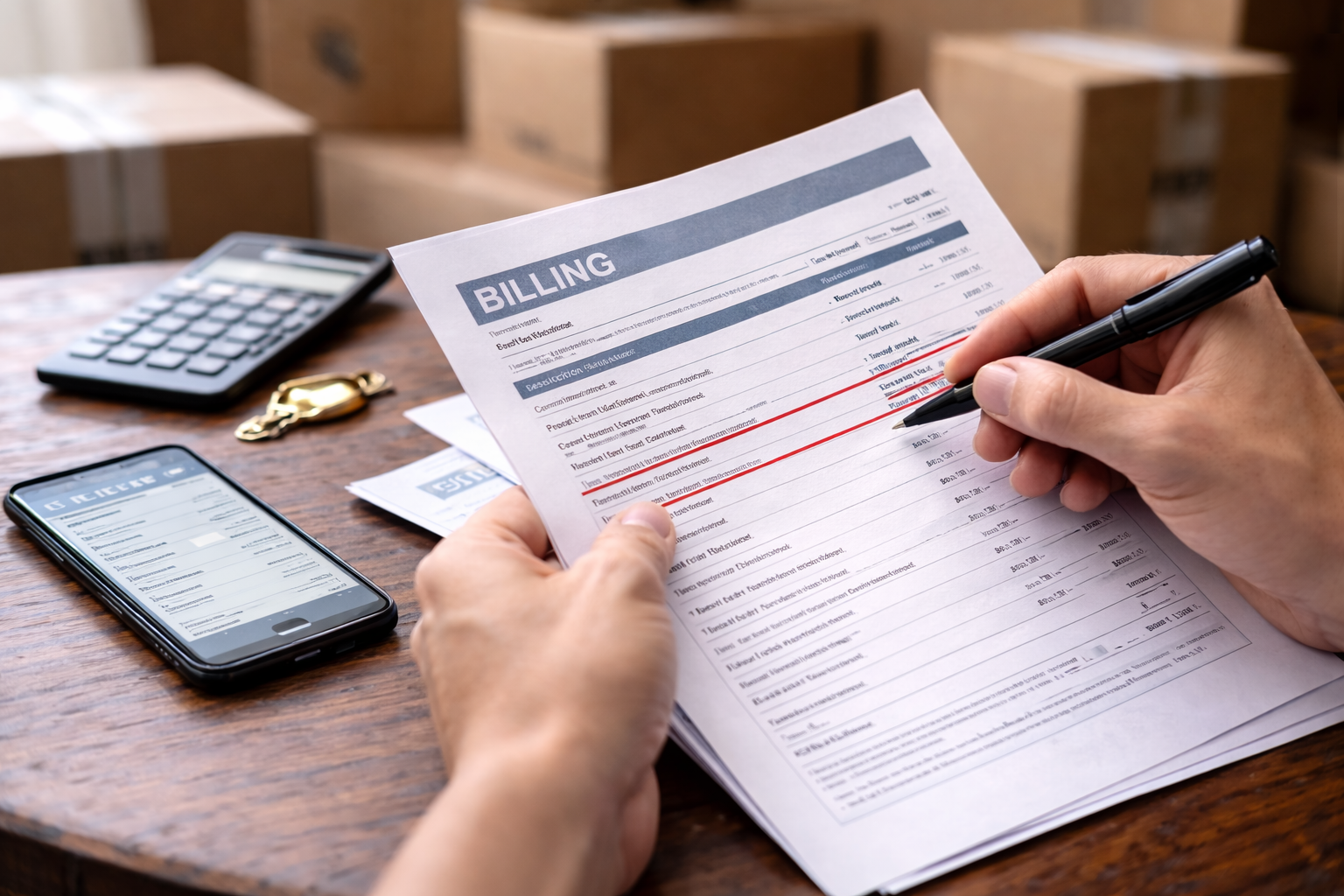
Mobile bill overcharge after move hit me at the most boring moment: I was just checking that my address update went through. I wasn’t looking for a surprise. I wasn’t even thinking about my carrier. Then the balance loaded, and it was clearly higher than normal—high enough that I refreshed the page, thinking it was a glitch that would correct itself.
It didn’t correct itself. The charges were real, dated inside the moving window, and spread across categories that were hard to decode in a hurry. If you’re searching mobile bill overcharge after move, you’re probably in the same spot: you moved, you expected life to get simpler, and now your phone bill looks like it quietly picked up extra baggage along the way.
Before you dive into the move-specific fixes, this hub-style guide helps you quickly recognize common overcharge patterns and how providers justify them:
Why Moving Triggers Billing Errors
A mobile bill overcharge after move is rarely “random.” Moves create account events inside carrier systems: address change, plan refresh, SIM/device re-provisioning, autopay updates, paperless billing changes, and sometimes a temporary change in network conditions. Each event can create fees, proration, or add-ons—especially if it happens mid-cycle.
The most common root cause is a timing mismatch between your move date, your billing cycle, and the carrier’s “effective date” rules.
Typical system triggers include:
- Proration math: partial-month credits/charges that don’t line up intuitively.
- Overlap status: old service not fully closed while new service becomes active.
- Auto-fees: activation, upgrade, administrative, or “one-time” charges.
- Usage spikes: Wi-Fi downtime leads to data overage.
- Network shift: roaming or international charges in border areas or travel during move.
- Feature re-provisioning: add-ons re-enabled when account profile updates.
To resolve a mobile bill overcharge after move quickly, you need to identify which trigger category you’re in first—then dispute with the exact proof that matches that category.
Choose Your Exact Overcharge Pattern
You were charged for the old location/service period and the new location/service period for overlapping dates.Case B — Wrong Plan After Move
Your plan changed (or features changed) during the move and you’re billed for a plan you didn’t select.Case C — Activation / Upgrade / Transfer Fee
The system treated your move as “new service” or “upgrade,” adding one-time charges.
Case D — Data Overage After Move
Data spiked during the transition and you were billed for overage or high-tier data usage.
Case E — Roaming / International Charges
You see roaming or international call charges you didn’t expect during or right after moving.
Case F — Unauthorized Add-On Reappeared
Device protection, hotspot, premium features, or bundles suddenly show up with start dates near the move.
Case G — Cancellation Date Dispute
You canceled or ported out near the move and the final bill ignores your intended end date.
Pick one primary case. If you try to dispute everything at once without a main theory, support will often offer a small courtesy credit and close the case without correcting the underlying problem—meaning the charge can come back next cycle.
Case A: Overlap / Double Billing
This is the classic mobile bill overcharge after move. It happens when the system shows your old service active through a date that doesn’t match what you requested, while the new service (or new billing status) starts earlier than expected.
What overlap looks like on a bill:
- Two sets of “service charges” within the same cycle.
- Proration lines that don’t credit the old service correctly.
- A new “effective date” that precedes your actual activation.
Proof that wins:
- Screenshot of move confirmation / service transfer request date and time.
- Any email/text from the provider stating the effective start or end date.
- Billing ledger showing exact daily charges (ask for it).
Key script for support: “Please provide the itemized billing ledger that shows the daily proration calculation and the effective service dates on both segments.”
That sentence matters because it forces the conversation away from vague explanations and toward the math.
Case B: Wrong Plan After Move
Sometimes a mobile bill overcharge after move isn’t a “fee.” It’s a plan mismatch—your account ends up on a more expensive plan tier or a plan with add-ons that were never selected. This can happen during account refresh, device re-provisioning, or when support “moves” your account and accidentally toggles a plan code.
Fast verification:
- Compare last month’s plan name and features to this month’s.
- Check the “effective date” of the plan change.
- Check if the plan change coincides with the move date or address update.
If your bill looks like the plan itself changed, the closest situation match on your site is “wrong plan billed”:
Your goal is to prove “no authorization.” If you never clicked “confirm,” ask them to show the authorization log or consent record for the plan change.
Case C: Activation / Upgrade / Transfer Fee
In many mobile bill overcharge after move cases, the surprise is a one-time charge: activation fee, upgrade fee, transfer fee, “assisted support” fee, or an administrative fee that appears because something was changed mid-cycle.
Use this targeted guide if you see an upgrade-type charge:
What to request:
- The fee policy and the exact event that triggered it (activation, upgrade, transfer).
- The device/line event record (did the system log a new device or SIM?).
- A reversal if no new device/service was actually initiated.
Important: Don’t accept “it’s standard” as an explanation. Ask, “Standard for which event? Please identify the event on my account.”
Case D: Data Overage After Move
If your Wi-Fi wasn’t up for a day or two, your phone might have silently handled streaming, backups, or hotspot use. That can create a mobile bill overcharge after move through overage charges or a data tier bump.
Start here for a dedicated overage dispute pathway:
What to check before calling:
- Usage log spikes (dates/times) vs when you had Wi-Fi access again.
- Whether “Wi-Fi assist” or similar settings were enabled.
- Any carrier outage in your new zip code during move week.
Key leverage: If the overage occurred during an outage or provisioning issue on the carrier side, that’s when credits are more likely.
Case E: Roaming / International Charges
Moves sometimes involve travel through border areas, temporary roaming partners, or short international calls during logistics. A mobile bill overcharge after move can appear as roaming data, international call minutes, or “international access” charges.
If the line items are international-call related, this is your closest match:
What to request:
- Call detail records (CDR) showing dialed numbers, timestamps, and route.
- Roaming session logs (data sessions by partner network if applicable).
Important: If you use Wi-Fi calling, ask whether calls were rated as international due to routing changes.
Case F: Unauthorized Add-On Reappeared
This one is sneaky. You update your address, the system refreshes your profile, and suddenly device protection, premium hotspot, or a bundle “returns.” A mobile bill overcharge after move can be small at first and then repeat monthly.
Use your site’s add-on dispute guide:
What wins here:
- Proof the add-on was previously removed (prior bills showing it absent).
- Feature start date tied to the move event.
- Request for consent record or enrollment log.
Ask this exact question: “Please show the date/time and method of consent for this add-on.”
Case G: Cancellation Date Dispute
If you canceled, ported out, or changed carriers during the move, you may see a mobile bill overcharge after move because the carrier bills through the cycle end rather than your requested cancellation date (depending on policy). Sometimes the cancellation date isn’t properly recorded.
This is your targeted guide:
What to collect:
- Cancellation confirmation number + timestamp.
- Port-out confirmation (if applicable).
- Any chat transcript where the agent confirms the end date.
Don’t argue “it feels unfair.” Argue “the recorded end date is incorrect” or “the bill conflicts with the provider’s stated effective date.”
What to Say to Support (So You Don’t Get Stuck in Scripted Replies)
Support teams often default to canned explanations for a mobile bill overcharge after move: “proration,” “policy,” “system-generated.” You can stay polite while steering the call toward a real fix.
Call / Chat Script That Forces Clarity
- “I’m disputing a mobile bill overcharge after move. Please confirm the effective dates your system used for the transfer.”
- “Please provide the itemized billing ledger and the proration calculation.”
- “Which account event triggered each one-time fee?”
- “If an add-on was added, show the consent/enrollment log.”
- “Please email me the case number and the promised resolution.”
The goal is written confirmation. Verbal promises disappear when the next billing cycle generates the same charge again.
One Official Escalation Option
If direct resolution fails, the FCC provides a consumer complaint portal for communications billing issues. This is the single official external resource to keep in your back pocket:
You don’t need to threaten this. Simply knowing the correct escalation path changes how you structure your dispute record.
Absolute Mistakes to Avoid
- Paying the full amount without documenting the dispute (it can be treated as acceptance).
- Letting the bill go past due while “waiting for credits” without written confirmation.
- Disputing everything at once without a primary case type.
- Accepting a courtesy credit that doesn’t remove recurring add-ons.
FAQ
Is a mobile bill overcharge after move usually proration?
Often, yes—but “proration” can still be wrong. Always request the ledger and calculation.
What if the carrier says the fee is “standard”?
Ask which account event triggered it and request the event record.
Can I dispute charges while keeping service active?
Yes. Keep communication documented and ask how to avoid late fees during review.
Should I file an FCC complaint immediately?
Try direct resolution first, then escalate if you can’t get itemized proof or a correction.
Key Takeaways
- Mobile bill overcharge after move is usually a timing/event-trigger issue, not a mystery charge.
- Pick one main case type (A–G) and collect matching proof.
- Demand the billing ledger and proration calculation, not a summary explanation.
- Get everything in writing: case number, promised credit, and prevention of repeats.
- Escalate methodically if the provider won’t justify the math.
I thought the bill was just “higher because moving is expensive.” But once I treated it like a record problem—dates, events, and ledger math—the issue became visible. The moment support had to explain the calculation, the conversation shifted from scripted replies to actual correction.
If you’re dealing with a mobile bill overcharge after move, do this today: download the itemized bill, pick your case type from the split above, and request the billing ledger in writing before the due date. Clear proof plus calm escalation is what gets these overcharges reversed—fast.