
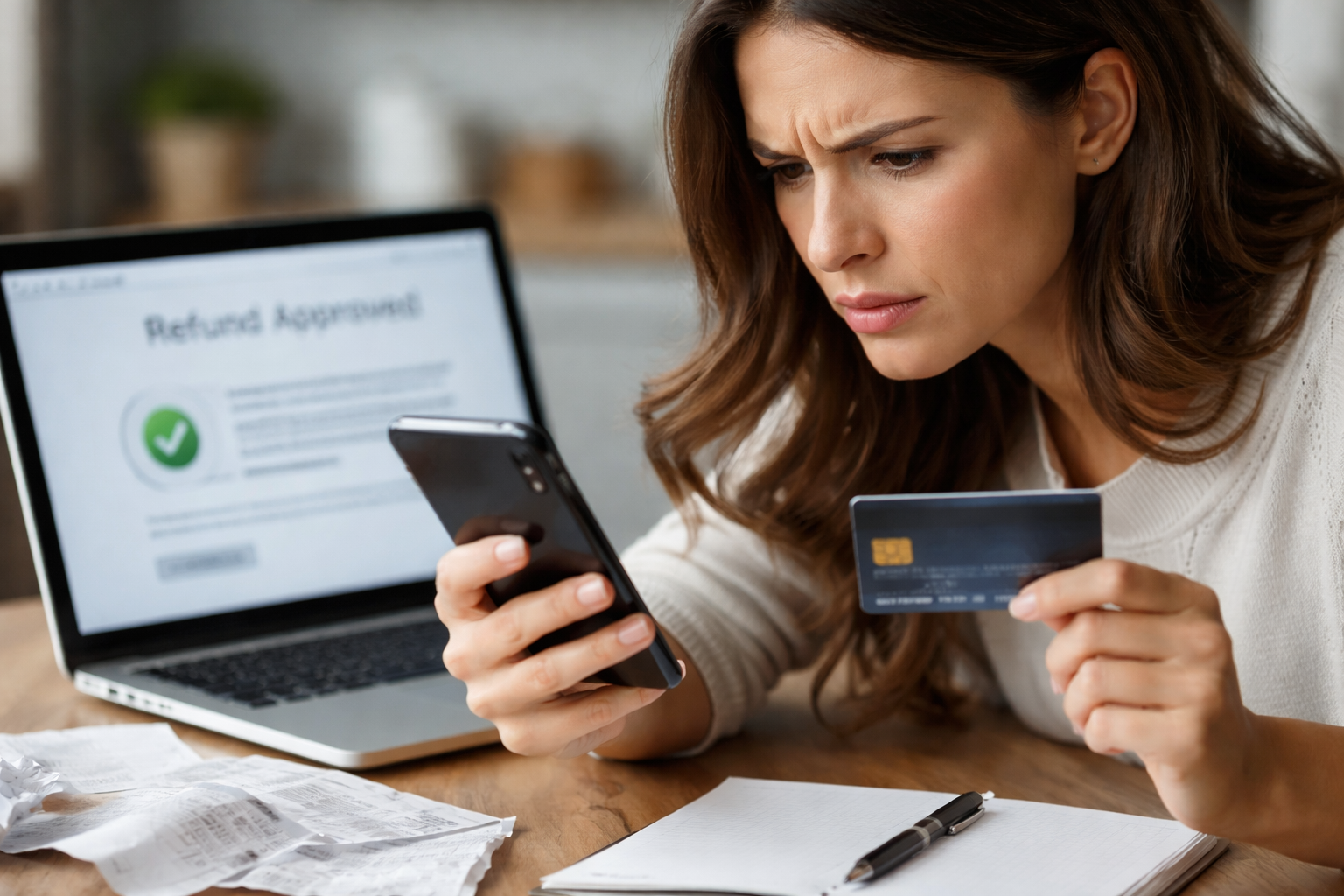
Subscription refunded but card not credited — that exact phrase is what I typed after I did the “right” thing: canceled, got the refund email, and still watched my card balance sit there like nothing happened. I wasn’t trying to win an argument; I just wanted my money to show up where it was taken from.
The weird part is how convincing the refund confirmation looks. It feels final. Then your card account shows… nothing. No credit. No reversal. No “pending.” Just your original charge staring back at you. If you’re here because your subscription refunded but card not credited situation is dragging on, this guide is built to help you solve it with clean steps, clean documentation, and a timeline that matches how payments actually move.
Key Takeaways
- Most delays are “processing gaps,” not fraud. The fastest fix is proving where the refund is stuck: merchant vs. payment processor vs. card issuer.
- Your first goal is a paper trail: refund date, amount, and a reference (ARN/RRN/refund ID). That single detail often unlocks bank-side tracing.
- Escalate by timeline, not emotion. Use a 3-day, 7-day, 15-day escalation ladder so your case stays credible and YMYL-safe.
- Don’t accidentally close your dispute window. Document everything and escalate before issuer deadlines.
Fast Self-Check (60 seconds)
If you want to stop guessing, answer these four in order. This is the quickest way to “place” your subscription refunded but card not credited problem in the correct bucket.
- 1) Was the original charge still pending when the refund was issued? If yes, it may disappear instead of posting as a credit.
- 2) Is the refund going back to the same card number that was charged? Reissued cards, virtual cards, and expired cards can still receive refunds—but they may route differently.
- 3) Did you pay through a wallet or middleman? Apple/Google, PayPal, Shop Pay, or a carrier billing system can change where the credit lands.
- 4) Do you have a refund reference number (ARN/RRN/refund ID)? Without it, you’ll waste time in circles.
If you can’t answer #4, that’s the first thing you request.
Why This Happens (Without the Textbook Lecture)
Here’s the practical truth: “Refund approved” is not the same as “credit posted.” A refund can be initiated by the provider, then routed through their payment processor, then sent through the card network, and finally posted by your card issuer. Any one of those handoffs can slow down.
Common real-world causes behind subscription refunded but card not credited include:
- Authorization reversal vs. refund credit: If the original charge never fully posted, it can vanish instead of crediting.
- Batch processing delays: Some merchants push refunds in batches, not instantly.
- Wallet subscriptions: Apple/Google refunds may appear in the wallet history first, then reach the card later.
- Card changes: Replaced cards can still receive credits, but posting can look “hidden” under the same account, not the same plastic.
- Partial refunds or prorations: You may be looking for the full amount when only part is coming back.
The Provider’s Side: What They Believe Happened
When you contact support, the provider often sees a screen that says “refunded,” sometimes with a timestamp. From their perspective, the job is done. That’s why your subscription refunded but card not credited complaint can feel like you’re speaking two different languages.
What usually helps is asking for specific proof rather than “Can you refund me?” again:
- Refund date/time (including time zone if possible)
- Refunded amount (exact)
- Refund method (original payment method, wallet balance, store credit, etc.)
- Refund transaction ID and if available, ARN/RRN (traceable reference used by banks)
One good reference number beats five long chats.
Your Bank/Card Issuer’s Side: Why They “Can’t See It” Yet
Issuers typically post credits once the network message arrives and clears their internal systems. If the issuer hasn’t received the refund message, they genuinely may not see anything to post. That’s why the “trace number” matters: it lets them search beyond what’s visible on your app screen.
If you call the issuer, keep it simple:
- “I have confirmation that the merchant refunded. I need help locating the incoming credit.”
- “Can you search by the refund reference/ARN if I provide it?”
- “Is this likely an authorization reversal that would remove the original pending charge?”
Your 3-Stage Fix Plan (Use This Timeline)
Use this escalation ladder. It keeps your subscription refunded but card not credited situation organized and prevents you from burning your strongest options too early.
Stage 1 (Day 0–3): Confirm the “shape” of the refund
- Check whether the original charge was pending when canceled.
- Check whether the provider refunded to the same payment path (card vs wallet vs PayPal).
- Request refund proof: date, amount, refund ID, and ARN/RRN if available.
Stage 2 (Day 4–7): Ask issuer to trace using reference
- Call the number on the back of your card and ask them to search for the refund using the reference.
- Ask whether they can confirm an incoming credit “in processing” even if not posted yet.
- Write down the call date/time and the representative’s name or ID (if provided).
Stage 3 (Day 8–15): Clean escalation (provider + issuer)
- Provider: request escalation to billing team with your refund ID and original charge details.
- Issuer: ask about a “credit not processed” or billing error path if the refund was promised but never received.
Case Branching Long Block: Find Your Exact Scenario
Pick the one that matches your screen right now:
A) The original charge is still “Pending.”
If your subscription refunded but card not credited issue started while the charge is pending, the “fix” may be that the pending charge drops off. That can look like “no refund happened,” but the net result is the same. Screenshot the pending charge and wait 2–5 business days. If it posts as a completed charge, then you have a standard refund delay.
B) The charge posted, refund confirmation received, but no credit after 7 business days.
This is where you request the refund reference (ARN/RRN/refund ID). Ask the provider: “Please send the ARN/RRN so my bank can trace the credit.” Then call your issuer and ask them to search by that reference.
C) You used Apple/Google subscriptions.
The refund may be processed inside the store first. Check your Apple/Google purchase history and refund status. The card credit may follow later. If the store shows “refunded” but the card does not after 10–15 business days, request store documentation and escalate with your issuer with those receipts.
D) You used PayPal or another wallet.
The refund can land in the wallet balance or as a separate wallet transaction before it hits the card. Check the wallet transaction log for a completed refund. If it’s completed in the wallet but not on the card, the wallet support team may need to provide a trace/reference.
E) Your card was replaced or the number changed.
Refunds can still route to the same account even if the physical card changed. Your issuer can confirm whether credits route to the account level. Ask them to look up the credit by original transaction details and any refund reference.
What to Say When You Contact Support (Copy/Paste Scripts)
Use short, specific messages so your subscription refunded but card not credited request doesn’t get pushed into generic FAQs.
Message to provider:
“Hi — I received confirmation that my subscription was refunded. The credit has not appeared on my card. Please provide (1) refund date, (2) exact amount, and (3) the refund transaction ID and ARN/RRN (trace/reference number) if available so my card issuer can locate the credit.”
Message to card issuer:
“Hi — the merchant confirmed a refund, but it has not posted. I can provide the refund reference/ARN and the original charge details. Can you search for an incoming credit using that reference, and confirm whether this might be an authorization reversal vs. a posted credit?”
Consumer Rights and Safe Escalation (U.S.)
For U.S. credit cards, you generally have protections for billing errors and disputes, and there are specific steps and timeframes. If your subscription refunded but card not credited issue is turning into a “never received the promised credit” situation, use an official consumer resource to follow the correct dispute path.
External authoritative guide (U.S.):
That CFPB page explains how to dispute a charge on a credit card bill and how to approach the issuer’s dispute process in a clear, consumer-safe way.
Mistakes That Make This Drag On (Don’t Do These)
- Don’t open three disputes at once (provider + issuer + wallet) without tracking who is responsible for what. It creates conflicting outcomes.
- Don’t accept “wait 30 days” as the only answer without asking for a reference number you can trace.
- Don’t assume “refund email” equals “refund sent to card.” Verify method and amount.
- Don’t stop documenting. Save screenshots, emails, chat transcripts, and dates.
Your leverage comes from being organized, not loud.
Recommended Next Reads (Internal Links)
If your case shifts from “missing refund” into a different billing pattern, these are the closest matches on billingdisputehelp.com:
Use this if the provider changes the story from “refunded” to “not eligible” or “final sale,” and you need a clean escalation path.
Use this if the charges keep coming even after cancellation, especially if you need to lock down proof of cancellation.
Use this if the “missing refund” is actually a double-charge situation and you’re waiting for one of the duplicates to reverse.
FAQ
- How long should I wait before escalating?
If you’re at subscription refunded but card not credited day 7 (business days) with no credit and no trace/reference number, escalate. Ask for the refund reference first, then ask the issuer to trace it. - What if the refund never appears but the provider insists it was issued?
Request the refund reference (ARN/RRN/refund ID). Then contact the issuer and ask them to locate an incoming credit using that reference. If the issuer cannot find it, go back to the provider with that outcome and request billing-team escalation. - Can a refund go to an old or replaced card?
Often yes, because it routes to the underlying account. The issuer can confirm. This is common in subscription refunded but card not credited cases when a card was reissued between the charge and the refund. - What if I paid through Apple/Google/PayPal?
Check the wallet/store transaction history first. If the wallet shows refunded but the card doesn’t, ask the wallet/store support for documentation and any reference number that your issuer can trace. - Should I file a chargeback immediately?
If the provider has truly issued a refund, a chargeback may be unnecessary. But if “refund issued” can’t be verified with references and the credit never arrives, you may need to follow your issuer’s dispute steps. The CFPB guide is a safe starting point. :contentReference[oaicite:1]{index=1}
Closing: What I’d Do Today (In Order)
If I were back in that exact moment—staring at a confirmation email while my card showed nothing—I’d treat it like a routing problem. I’d stop refreshing my app and start collecting the two pieces that actually move the case: the refund reference and a clean timeline.
Today, do these three things: (1) ask the provider for the refund reference/ARN and exact refund amount, (2) call your issuer and request a trace using that reference, and (3) set a 7–15 business day escalation ladder so your subscription refunded but card not credited situation doesn’t drift into “too late to fix cleanly.” Once you have a reference number, the conversation changes from opinions to evidence.
Note on overlap: I couldn’t load your existing internal posts from here due to a timeout, so I can’t 100% verify phrasing overlap. Structurally, this article is designed to be distinct from “refund denied,” “canceled but still billed,” and “charged twice” by focusing on refund tracing, posting timelines, and issuer-side locating rather than eligibility, cancellation proof, or duplicate transactions.