
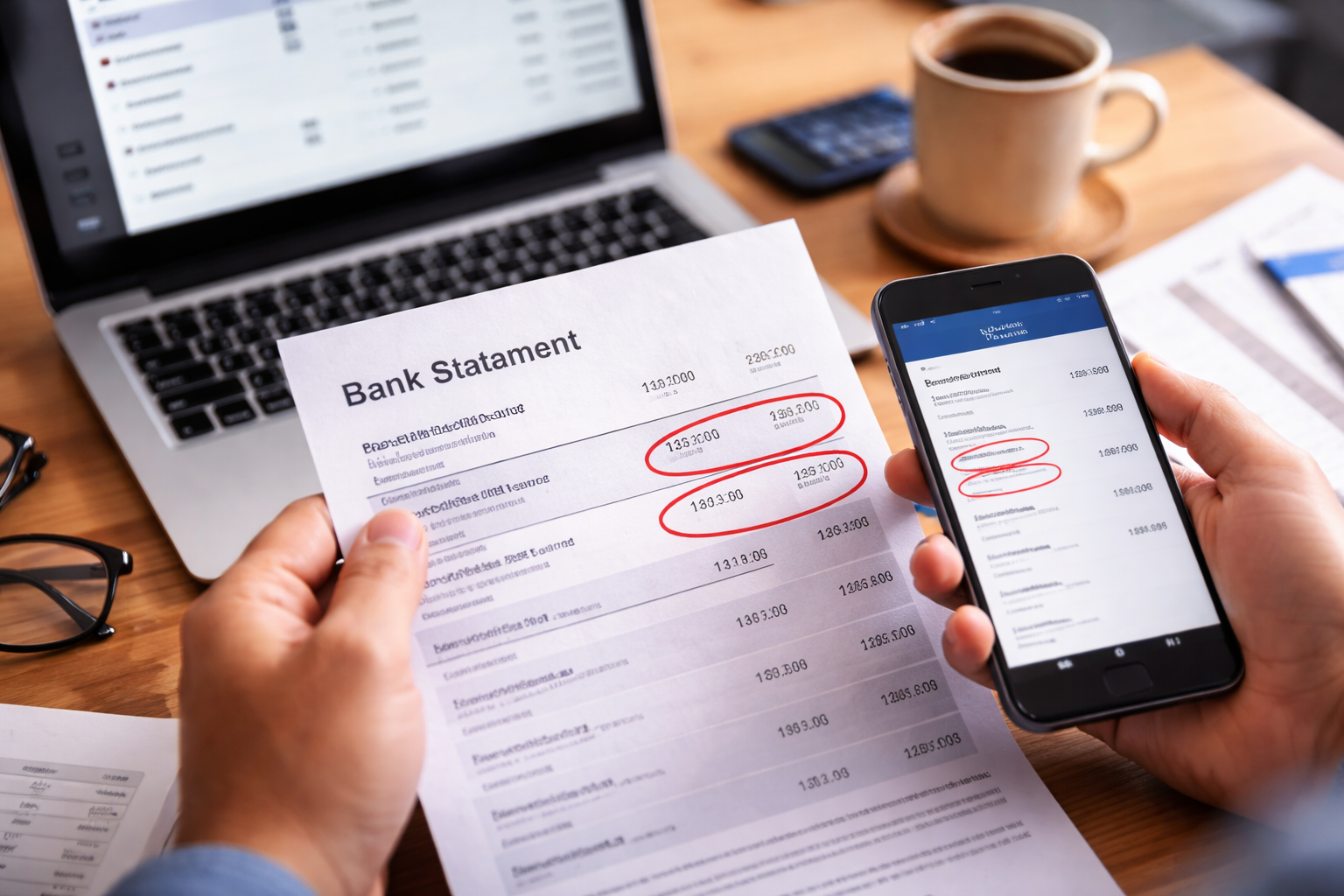
Subscription charged twice. You didn’t notice it right away because the amount looked “normal.” Same merchant you recognize, same pricing you’ve seen before. Then you scroll one line down and there it is again—same service, same amount, same day.
You do the quick mental math: “Maybe one is pending?” You refresh the app. You open the email receipts. Nothing explains why the charge is duplicated. That’s usually the exact moment this stops being a small annoyance and turns into a real ‘I need to fix this today’ situation.
If you’re here because subscription charged twice just appeared on your credit card or bank statement, you’re not looking for definitions. You’re looking for a clean, step-by-step way to (1) confirm what happened, (2) stop it from happening again, and (3) get the extra charge reversed quickly.
Confirm the Duplicate Before You Contact Anyone
A lot of people lose time because they contact support too early with the wrong version of the problem. For a fast resolution, you need to confirm which “type” of duplicate you have.
- Pending vs. Posted: A pending authorization can disappear. A posted transaction usually won’t without action.
- Same merchant descriptor? Sometimes two charges look identical but are billed through different processors (website billing vs. app store).
- Same date/time? Two charges minutes apart often signals a retry or double submit.
- Same plan level? A plan upgrade/downgrade can create overlap if the old plan wasn’t properly ended.
Take two screenshots: (1) the two line items on your statement, and (2) your subscription page showing the plan name, renewal date, and payment method. Those two images are what move you from “confused customer” to “clear billing evidence.”
Why This Happens More Often Than People Think
Most duplicate charges are not fraud. They’re “system collisions”—two billing events get triggered for one account. A subscription charged twice issue commonly comes from these patterns:
- Trial → paid conversion + old plan still active: A trial converts, but an earlier plan never fully canceled.
- Plan changes: Upgrading or switching tiers can create prorations plus a full renewal if the timing is messy.
- Multiple billing channels: You subscribed in the app store once, then later on the website (both remain active).
- Payment “retry” logic: A card authorization fails briefly, the system retries, and both attempts finalize.
- Duplicate clicks: A “Confirm” button gets tapped twice on a slow page—rare, but it happens.
The key is this: billing automation doesn’t feel responsible for your budget. It only follows its own event logs. If two events exist, two charges exist—until you force a correction.
How the Provider Usually Sees It
When customer support looks at your account, they often see something like “two successful transactions.” That’s it. They may not see your full card statement context. A subscription charged twice complaint becomes “actionable” only when you present it as a duplicate billing incident with proof.
What gets refunds faster:
- “I have two posted charges for the same subscription period. Please refund the duplicate.”
- “Here are screenshots of both charges. They’re the same amount and same merchant.”
- “I want confirmation in writing that the duplicate billing is stopped.”
What gets you stuck in script replies:
- “I think you overcharged me.”
- “This looks weird.”
- “Can you check?”
Don’t ask them to investigate. Tell them what happened and what you need.
Your Rights in the U.S. if the Provider Drags Their Feet
If a duplicate charge appears on a credit card statement, you generally have the right to dispute a billing error with your card issuer. That matters because the provider’s support team may move slowly, but a card issuer dispute process often follows a defined timeline.
Use this official consumer resource if you want a quick reminder of your dispute options and how the process works:
This isn’t legal advice. But practically, if you can clearly show duplication and you act promptly, you’re not “asking for a favor.” You’re using a standard consumer protection process.
Fast Action Checklist (Do This in Order)
If subscription charged twice is showing right now, do this in order to avoid wasted calls and repeated charges:
- 1) Identify whether both are posted. If one is pending, set a calendar reminder for 48–72 hours to re-check.
- 2) Find the billing source. Was it billed through Apple/Google, PayPal, or directly via card?
- 3) Locate your subscription settings. Confirm plan, renewal date, and payment method.
- 4) Gather proof. Two statement lines + subscription page screenshot.
- 5) Contact provider using the exact script below.
- 6) If unresolved quickly, contact your card issuer.
Important: Don’t “cancel first and figure it out later.” Canceling can remove the account view support needs to process the refund, or it can break the paper trail.
Self-Check: Which Duplicate Are You Actually Facing?
Subscription charged twice can mean different things. Find your scenario below and follow the matching path.
- Path 1: One charge pending, one posted
- Path 2: Two posted charges, same amount, same merchant
- Path 3: Two charges but different merchant descriptors (app store vs. direct)
- Path 4: Two charges because plan changed mid-cycle (proration confusion)
- Path 5: Duplicate charges repeat monthly (automation problem)
The goal is not to guess. The goal is to choose the right solution that actually matches your logs.
Case Breakdown Long Block (Detailed Paths)
CASE A — One Pending, One Posted
If one line is pending, do not panic yet. Pending authorizations can fall off. But don’t ignore it either.
- Take a screenshot now (pending items can disappear).
- Wait 48–72 hours.
- If the pending charge posts, treat it as a confirmed duplicate and escalate immediately.
CASE B — Two Posted Charges (Classic Duplicate)
If you see two posted charges, you have the strongest position. This is the cleanest refund case.
- Contact the provider first (many will refund quickly when it’s clearly duplicate).
- Ask for confirmation that recurring billing will not repeat the second charge next cycle.
- If they delay, start a card issuer dispute before the issue ages.
CASE C — App Store + Direct Billing Both Active
This happens when you subscribed on mobile, then later subscribed on the website for a “better deal.” Both can keep running.
- Check Apple/Google subscriptions list.
- Check the provider account billing page.
- Cancel ONE path (the one you do not want).
- Request refund for the duplicate period with proof that two subscriptions were active.
CASE D — Plan Change + Immediate Renewal
This looks like a duplicate, but it’s often a proration + renewal billed close together. Still fixable—just needs clean wording.
- Ask for an itemized invoice showing what each transaction represents.
- If both charges represent the same service period, request a refund.
- If one is a proration you agreed to, focus on preventing double renewal next month.
CASE E — It Keeps Happening Every Month
This is the most important scenario to solve “systemically.” You can win one refund and still lose money next month if you don’t stop the trigger.
- Change payment method temporarily (this can break the repeating automation).
- Ask the provider to confirm the subscription ID(s) on the backend—there should only be one active.
- Get written confirmation that duplicate billing is removed, not just refunded.
Use This Script When You Contact Support
When you contact the provider, your wording should be calm and specific. Here’s a script that tends to produce faster results:
- “I’m seeing two posted charges for the same subscription. The amount and merchant are identical.”
- “Please refund the duplicate charge and confirm that only one active subscription remains.”
- “I’m attaching screenshots of both transactions and my subscription page.”
Then ask one clean closing question:
“Can you confirm in writing that this won’t recur on the next billing cycle?”
If the response is vague (“It should be fine”), ask again. You’re not being difficult—you’re preventing repeat charges.
When to Escalate to Your Card Issuer
If the provider refuses to refund, delays without a clear timeline, or keeps repeating the charge, escalate. A subscription charged twice situation with posted transactions is exactly what billing disputes are designed for.
- Have your two screenshots ready.
- Explain it as a duplicate for the same service period.
- Ask whether the issuer can block future recurring duplicates from the same merchant.
Do not wait “just to see what happens next month.” That’s how duplicates become a pattern.
Mistakes That Cost People the Refund
Here are the most common mistakes that turn a solvable billing error into a long headache:
- Waiting too long: Delays weaken your leverage and your documentation gets harder to retrieve.
- Canceling before documenting: Support can’t easily confirm your plan history.
- Only using chat without saving transcripts: Always take screenshots or request an email summary.
- Assuming “pending” means safe: Pending can still post. Track it.
A duplicate charge isn’t “minor” if it teaches the billing system that it can keep doing it.
Recommended Reads (Related Billing Problems)
People who deal with recurring billing problems often run into other billing disputes. If any of these sound familiar, read them next:
FAQ
Is a duplicate subscription charge always fraud?
No. Most of the time it’s a billing system collision (two billing events created for one account).
Should I dispute immediately or contact the provider first?
Contact the provider first if you can reach them quickly. If they delay, refuse, or the charges are clearly posted duplicates, escalate promptly.
What if the merchant says it’s “authorized”?
“Authorized” doesn’t automatically mean “correct.” If it’s a duplicate for the same service period, it’s still a valid billing error claim.
What if the charge is pending?
Track it. Screenshot it. Re-check in 48–72 hours. If it posts, act immediately.
Can I prevent it from happening again?
Yes—confirm only one active subscription exists, get written confirmation, and consider changing payment method if it’s repeating.
Key Takeaways
- Subscription charged twice is usually a fixable billing error, but it rarely fixes itself without action.
- Posted duplicates should be treated as confirmed errors—document and push for a refund.
- Stop the cause, not just the symptom: confirm only one active subscription is tied to your account.
If you confirmed the duplicate today, treat today as the deadline. Contact the provider with proof, ask for a duplicate refund and written confirmation that recurring billing is corrected, and escalate to your card issuer if the provider stalls.
You didn’t create the billing error, and you don’t need to “wait and hope.” Start the process now so you don’t see the same surprise again next month.