
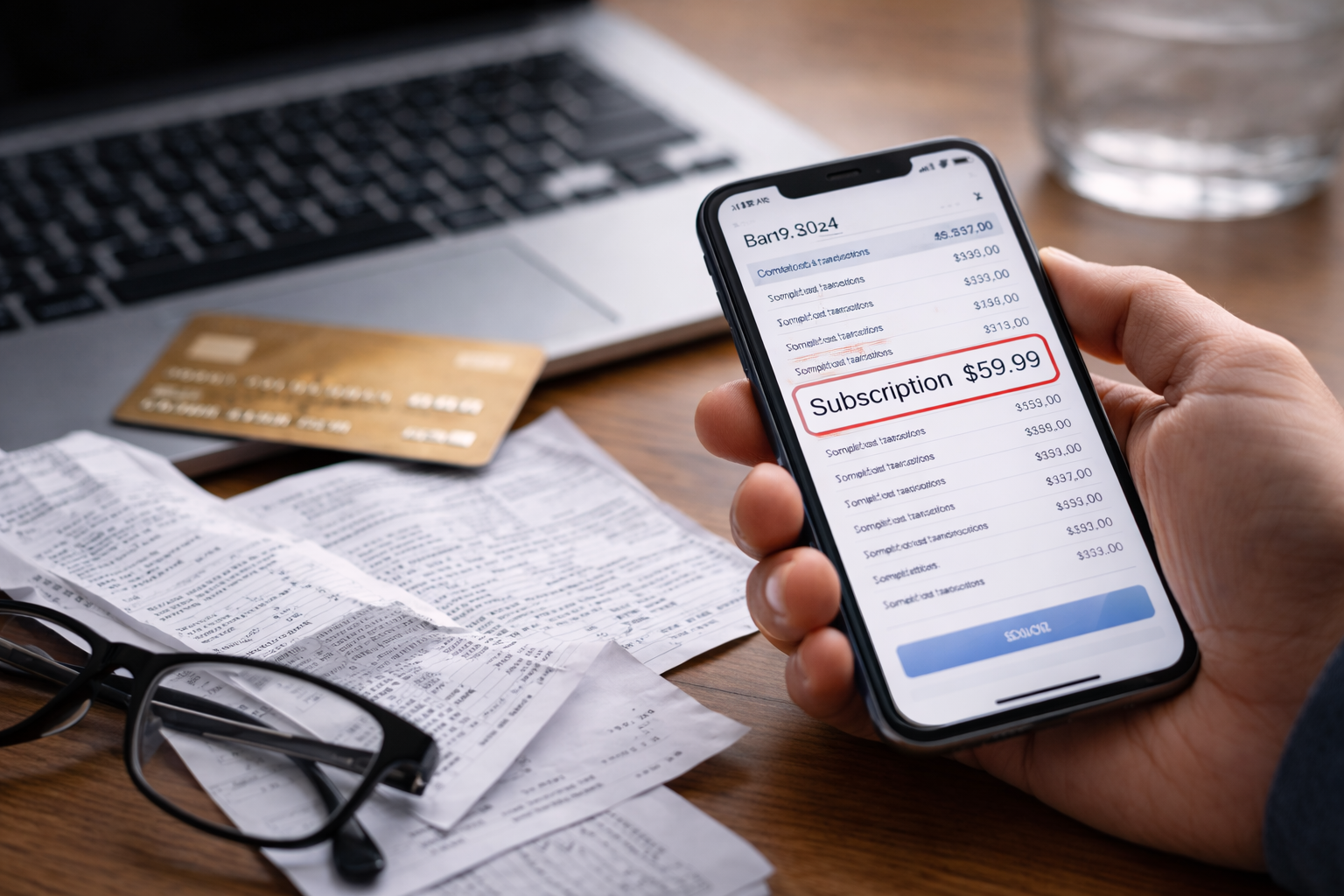
Subscription charged after free trial cancellation showed up as a clean, ordinary line item in my card app—no warning, no “are you sure?” screen, no second chance. The trial was supposed to be over, and I was supposed to be done with it. I clearly remember canceling, seeing a confirmation page, and closing the tab like the problem had ended.
Then the charge posted anyway. Not pending. Posted. The kind of posted that means the system thinks the conversation is finished. I wasn’t angry as much as I was stuck in that uncomfortable limbo: did I cancel wrong, or did the system fail? When subscription charged after free trial cancellation happens, the fastest path to a refund is to treat it like a documentation game, not a moral argument.
If you’re dealing with any “cancelled but still billing” situation, this is the closest hub page that helps you compare patterns and avoid common traps:
The 60-Second Self-Check (Before You Contact Anyone)
Before calling support, answer these five questions. They determine whether subscription charged after free trial cancellation is a simple refund request or a formal billing dispute.
- 1) Is the charge pending or posted? Pending gives you more prevention options.
- 2) Did you receive a cancellation email? Email proof is leverage.
- 3) Was the trial through an app store or the provider directly? Different cancellation systems.
- 4) Did you cancel the subscription or only delete the app/account? These are not the same thing.
- 5) Is the billing descriptor the exact provider name? Sometimes charges route through a billing partner.
If you can answer these quickly, you will get better outcomes on the first attempt.
Why Subscription Charges Still Go Through After Cancellation
A subscription charged after free trial cancellation usually happens because the cancellation action and the billing engine did not sync in time. Common reasons:
- Cutoff timing: You canceled, but after a renewal cutoff (sometimes 24–48 hours before the end).
- Timezone mismatch: “End date” is based on provider timezone, not yours.
- Wrong cancellation layer: You canceled inside the app but billing is managed elsewhere (web portal, app store, payment processor).
- Confirmation not finalized: Some providers require a final “confirm” click or email verification.
- Multiple subscriptions: One account canceled, another account (same card) remained active.
- Trial converted early: A plan upgrade or add-on can convert the trial immediately.
Most people lose refunds because they argue “I canceled” without proving when and where the cancellation was recorded.
Case Split — Choose Your Path Before You Waste Time
CASE A — You Have Clear Proof of Cancellation
You have an email receipt or account status screenshot showing “Canceled” with a date/time.
Best path: provider refund request + escalation if denied.
CASE B — You Canceled, But You Have No Confirmation
You remember canceling, but there’s no email and the account doesn’t show proof.
Best path: locate hidden confirmation pages, browser history, or account logs; then request refund.
CASE C — App Store / Third-Party Billing Controls the Subscription
You canceled in the wrong place because billing is managed by Apple/Google/another marketplace.
Best path: request refund through the billing controller, not the provider.
CASE D — You Deleted the App (or Logged Out) and Assumed It Was Cancelled
Common mistake. The subscription keeps running because the billing contract still exists.
Best path: cancel properly now, then request a one-time courtesy refund.
CASE E — The Trial Terms Were Not Clearly Disclosed
You didn’t see the renewal amount/date, or the UI was misleading.
Best path: focus on disclosure clarity and request refund under “misleading enrollment.”
CASE F — You Were Charged More Than Once or Charged After a Refund Promise
This signals a billing loop or processing failure.
Best path: pause future charges, get written confirmation, then dispute if the refund doesn’t land.
Pick the matching case and follow that path only. Mixing approaches is how people end up with delays and repeated charges.
Do This First (So You Don’t Trigger Another Charge)
When subscription charged after free trial cancellation happens, people rush to refund. But prevention should come first.
- Log in and verify subscription status: active vs. canceled vs. “expires on.”
- Turn off renewal if the platform uses “auto-renew.”
- Remove payment method only after confirming cancellation (removing a card can sometimes cause dunning attempts and confusion).
- Set a reminder for the next billing date (so you can catch repeats instantly).
Stopping the next charge is often more important than fighting the last one.
How to Ask for a Refund Without Getting Scripted to Death
Support teams are trained to look for specific signals. If you say “I don’t recognize this,” they route you to fraud scripts. If you say “I changed my mind,” they deny it. If you say “billing error,” you get traction.
Use a short, precise message:
- “I canceled before renewal. I was still charged.”
- “This is a billing error tied to cancellation timing.”
- “Please reverse the charge and confirm the subscription is closed.”
Ask for a written confirmation that includes the cancellation status and refund status.
If They Say “No Refund” — Your Next Moves by Case
If you are CASE A (you have proof):
- Reply with the proof and ask for supervisor review.
- Request a “one-time courtesy refund” if policy is cited.
- Ask for the exact reason code for denial.
If you are CASE B (no proof):
- Ask support to check account logs for cancellation attempts.
- Search for confirmation in your email spam, promotions, or archived folders.
- If you find any timestamp (even partial), submit it.
If you are CASE C (app store billing):
- Stop talking to provider support about money; they often can’t issue refunds.
- Request refund through the billing controller’s official process.
- Keep screenshots showing you canceled and still got charged.
If you are CASE D (deleted app):
- Cancel correctly now to stop repeats.
- Request a “first-time courtesy refund” based on misunderstanding.
- Be calm and direct. This is a goodwill situation.
If you are CASE E (unclear terms):
- Explain what was unclear: renewal amount, date, cancellation steps.
- Ask for refund due to inadequate disclosure and unexpected conversion.
- Request confirmation that the account won’t rebill.
If you are CASE F (repeat charges/refund promised but missing):
- Ask for a refund reference ID or transaction ID.
- Set a specific follow-up date (48–72 hours).
- Prepare to dispute if they can’t confirm processing.
When to Dispute with Your Bank (And When Not To)
If subscription charged after free trial cancellation remains unresolved, a credit card dispute can work — but only when your evidence is clean.
Disputes are stronger when you can show:
- Cancellation proof or cancellation attempt logs
- Provider refusal despite documentation
- Misleading or unclear trial conversion terms
- Repeated billing after cancellation
Official guidance on disputing credit card charges is here (use it to understand timing and documentation):
Do not file a dispute first if the provider can easily refund — disputes can lock accounts and delay simple resolutions.
Common Mistakes That Make This Worse
- Waiting until the next statement cycle
- Contacting five support channels at once (it fragments your case history)
- Canceling the card before confirming the subscription is ended (this can cause repeated attempts and confusion)
- Confusing “refund approved” with “refund posted”
Most recurring subscription problems are not solved by anger — they are solved by precise verification.
If a Refund Was Promised but Never Arrived
If support says “we refunded you,” but nothing shows on your card, you need a different playbook focused on tracking and posting timelines.
How to Make Sure It Never Happens Again
- Cancel 48–72 hours before the trial ends (not “the day of”).
- Take a screenshot of the cancellation confirmation page every time.
- Search your inbox for the word “cancellation” and archive the email.
- Set a calendar alert for the day before renewal.
- Use a single subscription “hub email” so confirmations aren’t lost.
The prevention step most people skip is the screenshot — and it’s the exact proof they later need.
Recommended Reading
If your situation looks slightly different, these two articles cover the closest adjacent problems and help you choose the right angle without wasting time.
If you were charged when the trial ended without clear notice: this helps you frame the disclosure problem correctly.
If the provider claims you are still active even after cancellation: this helps you handle ongoing billing behavior.
Key Takeaways
- subscription charged after free trial cancellation is usually a timing or cancellation-layer mismatch.
- Evidence wins: screenshots and confirmation emails raise refund odds dramatically.
- Stop future billing first, then push for refund with a structured script.
- Escalate calmly when denied; disputes work best when documentation is clean.
- Prevention (cancel early + screenshot) is easier than reversal.
FAQ
Can a subscription charged after free trial cancellation be refunded?
Yes. Refund odds are highest with cancellation proof or a clear billing mismatch.
Should I dispute immediately with my card issuer?
Not always. Try provider refund first if it’s likely to be resolved quickly. Dispute when evidence exists and the provider refuses.
Will a dispute affect my credit?
A dispute itself does not lower your score. The risk comes from unpaid balances or missed payments unrelated to the dispute.
What if I canceled on the last day?
That’s a co