
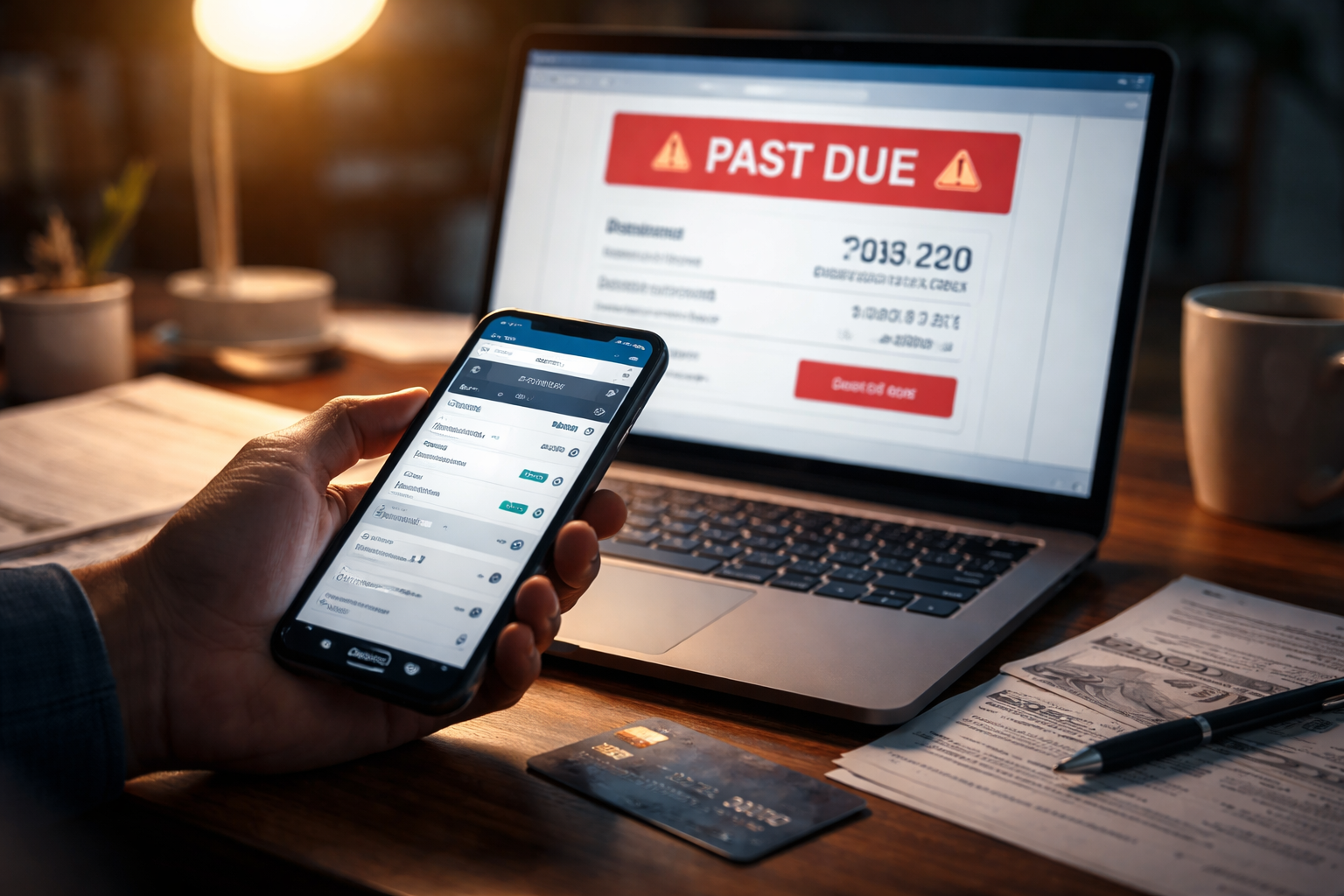
Scheduled Payment Processed After Cutoff Time was the first line I noticed in the payment history—right after my account flipped to “past due.” I didn’t miss the bill. I didn’t forget. I had scheduled the payment in advance, saw the confirmation, and moved on with my day like a normal person.
The problem hit the next morning: a late fee posted, and a warning banner showed up like I’d done nothing. That’s the moment you realize you’re not arguing about money—you’re arguing about timestamps. When the system says your payment is “effective” matters as much as the payment itself.
If you’re here because Scheduled Payment Processed After Cutoff Time showed up on a utility, telecom, or subscription account, you’re dealing with a processing window issue, not a “you didn’t pay” issue. This guide stays practical and evidence-based, so you can fix the fee, prevent a shutoff, and stop the same pattern from repeating.
Before you go deeper, it helps to understand the posting logic that powers late fees and “past due” status across providers.
A Quick Self-Check So You Don’t Chase the Wrong Problem
- Look for two dates: “Scheduled date” vs “Posted date” (or “Effective date”).
- Find your provider’s cutoff time: often buried in payment terms or FAQ.
- Confirm your payment method: ACH/bank draft, debit card, credit card, or wallet.
- Check for weekends/holidays: they change settlement timing.
- Save proof now: confirmation page, email receipt, bank pending timestamp.
If your account shows a posted date one day later than your scheduled date, the rest of the story usually writes itself.
What “Cutoff Time” Means Inside Billing Systems
Scheduled Payment Processed After Cutoff Time usually means your payment entered the provider’s “same-day posting” window too late. Most providers don’t post continuously in real time. They post in cycles. The portal may accept a scheduled payment at 8:55 PM, but the ledger update (the record that decides “paid” vs “late”) might only lock at 5:00 PM or earlier.
That’s why you can do everything “right” and still get a fee. The provider’s system is looking at:
- Cutoff timestamp: the last time a payment can be treated as same-day.
- Posting batch window: when transactions are applied to the account ledger.
- Effective date rule: the date the system assigns for compliance and fee logic.
- Delinquency triggers: automated rules that run after the posting batch closes.
In other words: you can schedule a payment today, but if it processes after the cutoff, the system may treat it as tomorrow.
Identify Your Exact Version of This Problem
Scheduled Payment Processed After Cutoff Time shows up in multiple “flavors.” Use the cases below to match your situation precisely. The fix depends on which timestamps you can prove and which triggers fired.
Your scheduled payment was accepted, but the provider’s cutoff time had already passed. The system assigns next-day effective date, then posts a late fee overnight.
Best evidence: confirmation timestamp + provider cutoff language + ledger posted/effective date.
You scheduled days earlier, but processing didn’t start until the last day. This happens when the provider queues scheduled payments and initiates them only on the due date (or a day before). If initiation occurs after cutoff, you get the same outcome.
Best evidence: schedule date + initiation/processing time from payment history + posted date mismatch.
Many bank-settled payments don’t complete on weekends/holidays. Even if the portal shows “scheduled,” the settlement/posting may be pushed. Scheduled Payment Processed After Cutoff Time often appears right after long weekends.
Best evidence: calendar (holiday/weekend) + bank pending/posted timeline + provider posted date.
You paid at 8 PM local, but the provider’s “cutoff” is based on a different time zone. Your payment is “after cutoff” even if it felt early where you live.
Best evidence: provider terms showing time zone + your local timestamp.
Funds were “available,” but a fraud filter, account type restriction, or micro-hold caused the first attempt to fail silently. The provider reattempts later—after cutoff—so you see Scheduled Payment Processed After Cutoff Time even though you didn’t change anything.
Best evidence: bank ledger notes (return/hold) + provider attempt history.
Some systems run “delinquency triggers” at night before the posting batch fully reconciles. The fee posts automatically, then the payment posts, and you’re left with both on the account until someone reverses the fee.
Best evidence: fee timestamp earlier than payment posted time, both on the same cycle.
Once you know your case, you’ll stop wasting time explaining your entire life story to support reps. You’ll ask for a specific correction tied to a specific timestamp.
Why Providers Treat This as “Normal” (Even When It Feels Wrong)
Scheduled Payment Processed After Cutoff Time often isn’t classified internally as an “error.” The system did what it was configured to do: apply a rule consistently. Providers care about consistent ledger rules because it reduces disputes, prevents manual adjustments from spiraling, and makes reconciliation with banks possible.
There are also settlement realities. If your payment is bank-based, processing and settlement follow ACH rails. A plain-language official overview of ACH processing is available through the Federal Reserve’s ACH resources:
Federal Reserve: ACH Services Overview
Automation prioritizes consistency over context. That’s why the system can “win” the timestamp argument unless you escalate with clean proof.
What You Can Ask For (Without Overreaching)
This is general consumer-information, not legal advice. But practically, when Scheduled Payment Processed After Cutoff Time causes fees or restrictions, these are common, reasonable asks that many providers can do—especially if you act quickly and your history is otherwise clean:
- Late fee reversal due to cutoff-time posting mismatch.
- Past-due status removal (or “delinquency reset”) if payment posted within a narrow window.
- Restoration of service if restriction was triggered automatically.
- Note placement on the account to prevent repeat fee if the system re-runs.
- Adjustment review if a payment was applied to the wrong bucket.
You are not asking for a favor. You are asking for a correction consistent with their own posting rules and your proof.
The Proof Pack That Gets “Yes” Faster
When you mention Scheduled Payment Processed After Cutoff Time, the rep may default to a script. Your goal is to make it easy for them to justify a reversal inside their system.
- Screenshot 1: scheduled confirmation page showing date/time
- Screenshot 2: payment history line showing “processed after cutoff” or posted date
- Screenshot 3: bank pending timestamp (or posted timestamp)
- One sentence summary: “Scheduled on X at Y time; provider posted on Z; fee triggered before reconciliation.”
Short proof beats long explanation.
Step-by-Step Fix (Use This Script and Order)
If Scheduled Payment Processed After Cutoff Time caused a fee, do the following in order. This is written so you can copy it into your notes before you call or chat.
- Open your account ledger and locate the fee line item and the payment line item.
- Write down: fee timestamp, payment posted timestamp, payment scheduled timestamp.
- Start with a narrow request: “Please review a late fee caused by a cutoff-time posting mismatch.”
- Give one fact: “Scheduled on [date/time], posted on [date/time].”
- Ask for a specific action: “Reverse the late fee and remove the past-due flag.”
- If they stall: ask for “billing adjustments” or “supervisor queue,” not “manager.”
- Get a reference number for the interaction.
- Confirm in writing via email or chat transcript.
If the rep can see your timestamps, you’ve turned a messy dispute into a clean adjustment request.
Mid-Article Reality Check: When It Might Not Be Cutoff Time
Sometimes Scheduled Payment Processed After Cutoff Time is the label you see, but the real root cause is a separate system behavior. Here are the two biggest look-alikes:
- Misapplied payment allocation: the payment posts, but it’s applied to a different balance bucket (older balance, installment plan, or a different service line). The account still looks delinquent.
- Cancellation/plan change timing: a plan change recalculates amounts, and the system re-evaluates “paid enough” after your payment posts.
If you suspect the issue is more than timing, this escalation path helps you push the review to the right internal queue:
Mistakes That Quietly Kill Your Chances of a Reversal
- Waiting until the next billing cycle: many systems lock adjustments after cycle close.
- Opening with anger: you’ll get transferred to retention scripts instead of billing adjustments.
- Arguing “I scheduled it” without timestamps: scheduling is not posting in their ledger.
- Paying again immediately: you can create double payments and new allocation problems.
- Accepting “nothing we can do” without asking for the adjustment queue: front-line reps often can’t override fee logic.
Don’t create a second problem (duplicate payments) while trying to fix the first.
Prevention That Actually Works (Without Overcomplicating Your Life)
Once you’ve dealt with Scheduled Payment Processed After Cutoff Time, prevention is mostly about giving the system time to breathe:
- Schedule 48–72 hours before due date (more if a holiday is coming).
- Avoid due-date evenings unless you know the provider’s cutoff time and time zone.
- Choose a method with faster confirmation when you’re close to due date (providers vary; some card-based payments post faster than bank drafts).
- Turn on account alerts for “past due” and “payment posted” so you catch mismatches within hours, not weeks.
The goal is simple: make “scheduled” and “posted” land on the same side of the cutoff window.
FAQ
Does Scheduled Payment Processed After Cutoff Time mean my payment failed?
Not usually. It typically means the payment was accepted but treated as next-day for posting or effective-date purposes.
Why did I get a late fee if the payment shows up?
Because fee triggers often run based on effective date and cutoff rules. If your payment posted after the cutoff window, the system can mark you late even if the payment appears shortly after.
Should I pay again to remove the past-due status?
Be careful. Paying again can create duplicates and allocation problems. First verify whether the posted payment covered the balance and whether a fee/flag simply needs reversal.
How fast should I dispute a cutoff-time fee?
As soon as you notice it—ideally within 24–48 hours. The longer you wait, the more “cycle close” rules can limit what reps can reverse.
Can this lead to service interruption?
Yes. If delinquency flags trigger restrictions automatically, Scheduled Payment Processed After Cutoff Time can be the start of a restriction chain unless corrected quickly.
Key Takeaways
- Scheduled Payment Processed After Cutoff Time is usually a posting-window issue, not nonpayment.
- Providers decide “on-time” using ledger effective date and cutoff rules.
- Matching your case (A–F) determines which proof matters most.
- Dispute fast with a proof pack: confirmation + posted date + bank timestamp.
- Prevent repeats by scheduling 48–72 hours early and avoiding due-date evenings.
Recommended Next Step If Your Service Was Restricted
If your account already escalated into a restriction or shutdown, handle that first so you’re not negotiating with a system that’s actively enforcing delinquency rules.
Scheduled Payment Processed After Cutoff Time can make you feel like you’re arguing with a wall, because in a way you are: a nightly rules engine that doesn’t care what you intended. The fix is to bring the timestamps into the conversation and ask for a specific adjustment, not a vague “help.”
Open your account now, capture the proof pack, and contact the provider today with one clear request: reverse the fee and remove the delinquency flag caused by Scheduled Payment Processed After Cutoff Time. You’re not asking them to “make an exception.” You’re asking them to correct an automated outcome that didn’t match the real payment timeline.