
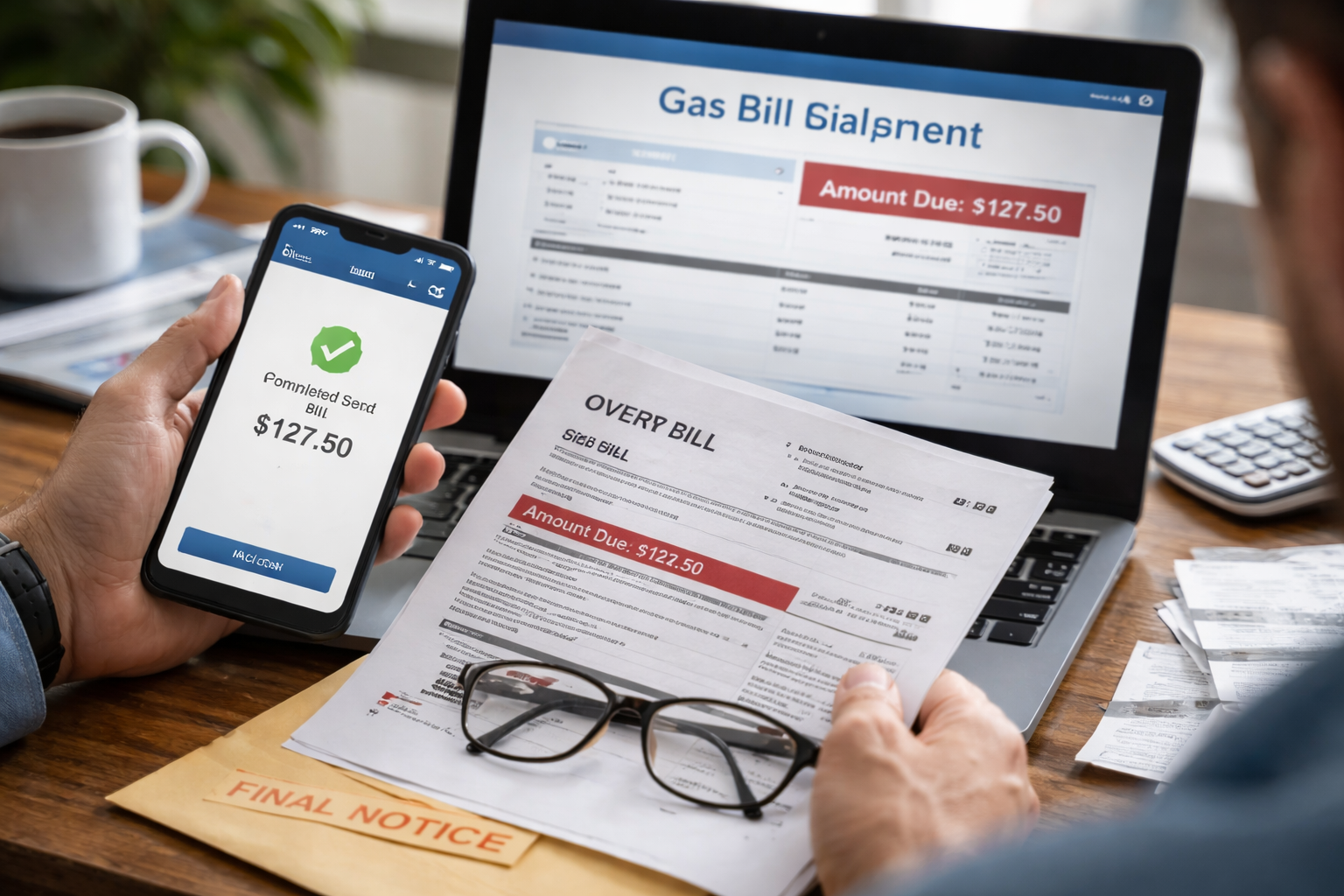
gas bill payment not applied — that exact phrase is what I typed after I opened my utility account and saw the same “Amount Due” staring back at me like I hadn’t paid a cent. The confirmation email was right there. The money was gone from my bank. But the gas company portal acted like it never happened.
Key Takeaways
- Most posting delays are normal (especially weekends/holidays), but you still need proof and a timeline.
- Protect yourself first: document the payment, then push the right department with the right words.
- Never “pay again” until you’ve checked three things (posted date, pending status, and whether it went to the wrong account).
Quick “Do This First” Checklist
- Step 1: Screenshot the payment confirmation (confirmation number, date/time, amount, account number).
- Step 2: Check your bank/credit card transaction status: Pending vs Posted.
- Step 3: Log into your utility portal and look for “Recent Payments,” “Payment History,” or “Scheduled Payments.”
- Step 4: Find your bill’s “Due Date” and “Shutoff/Disconnection” language (if shown) so you know your real deadline.
If your gas bill payment not applied issue is still showing after those four checks, keep going—this is where most people either solve it fast or accidentally make it worse.
Why This Happens (Without the Lecture)
Here’s the real-world version: payments don’t always travel in a straight line. A utility portal can show “unpaid” while your bank shows money moved, because the utility might not post the credit until their system batch-runs. And if you paid through a third party (bank bill pay, Apple Pay, a payments vendor), the utility may not see it as “received” immediately.
Also: one-digit mistakes matter. Wrong account number, wrong service address, or a cached browser session can make it look like nothing changed. Your job is not to guess—it’s to prove and isolate.
Understand the Timeline (So You Don’t Panic-Pay Twice)
- Card payment: often shows instantly in the portal, but not always (vendor processing can lag).
- ACH/bank transfer: may take 1–3 business days to post, sometimes longer around holidays.
- Bank bill pay (mailed/electronic): can post late if the utility receives it as a “remittance,” not a real-time payment.
If the transaction is still “Pending” at your bank, many utilities won’t credit it yet. If it’s “Posted” and the portal still shows unpaid, that’s your cue to escalate with documentation.
Case Split: Pick the Box That Matches You
Case A: Bank/Card shows “Pending”
- Wait until it posts (take a screenshot now).
- Set a reminder for the next business day to re-check the portal.
- Do not pay again yet. Pending can still drop off and re-post under a different descriptor.
Case B: Bank/Card shows “Posted,” portal shows unpaid
- Gather proof (receipt + posted transaction + account number screenshot).
- Call or chat and ask for a “payment research ticket” (wording matters).
- Request late-fee protection while they investigate.
Case C: You used Bank Bill Pay
- Check whether it was sent electronically or by check.
- Ask the bank for the “trace number” (electronic) or check image (mailed).
- Confirm the payee account number the bank used.
Case D: You paid in a guest portal / third-party link
- Look for an email from the payment vendor (not just the utility).
- Find the vendor receipt/transaction ID.
- When contacting the utility, say you paid via the vendor and provide that ID up front.
Whichever case you’re in, the goal is the same: resolve gas bill payment not applied with a clean paper trail so your account never gets flagged as delinquent.
What to Say When You Call (Copy This Script)
Keep it short and administrative. You’re not “complaining.” You’re directing a fix.
- Opening: “Hi, I made a payment on [date/time]. My bank shows it posted, but my online account still shows a balance.”
- Proof: “I have the confirmation number and a screenshot of the posted transaction.”
- Request: “Can you open a payment research ticket and confirm the expected posting timeline?”
- Protection: “Please note my account to prevent late fees or disconnection activity while this is investigated.”
- Close: “What is the ticket/reference number, and when should I follow up if it doesn’t post?”
Ask for a reference number every time. It turns a vague conversation into a trackable process.
Proof You Should Collect (5 Screenshots, 2 Minutes)
- Utility portal balance page (showing amount due)
- Utility payment confirmation page/email
- Bank/credit card transaction page showing status and amount
- Your utility account number page (or the bill header with the account ID)
- Date/time on your device (helps prove timing if it becomes a dispute)
This is especially important when gas bill payment not applied happens close to the due date. A clean package of evidence makes support move faster.
One Authoritative Resource (Know Your Rights)
If you’re worried about shutoff timing or what notices are required where you live, your state utility regulator usually publishes consumer protections. In the U.S., a good starting point is the National Association of Regulatory Utility Commissioners (NARUC) which explains the role of utility regulators and how consumers can seek help.
This isn’t about “threatening” anyone. It’s about knowing the proper channel if your provider ignores documented payments or pushes fees while a posting error is unresolved.
Mistakes That Make This Worse
- Paying again immediately: the fastest way to create an overpayment mess and refund delays.
- Calling without proof: support can’t “see” what you can’t show.
- Ignoring the due date: even if it’s a posting glitch, you must protect against late fees.
- Using vague language: say “posted at my bank” and “payment research ticket,” not “it’s messed up.”
If you’re stuck in a loop and gas bill payment not applied still hasn’t cleared after the stated posting window, move to the next step: supervisor escalation + written follow-up.
Escalation That Works (Without Drama)
- Day 1: Open a ticket, get a reference number, ask for a posting estimate.
- Day 2: If no change, request a supervisor or the “billing research” team specifically.
- Day 3: Send a short written message (email/contact form) attaching proof and referencing your ticket number.
The key is consistency: each contact should add a record, not restart the story.
Related Reads (Internal Links)
Sometimes this happens alongside other utility billing errors—especially if you’re dealing with multiple bills or autopay changes. These two are closely related, and the same documentation strategy applies:
1) If your account shows a duplicate charge pattern, this guide helps you avoid the “double-pay spiral” and build proof properly.
2) If the balance looks wrong (spike, estimate, or abnormal jump), this guide helps you separate real usage from billing/system errors.
Overlap note: This post is not a duplicate of the two electricity articles above. Those focus on double-charges and unusually high usage/billing spikes, while this page focuses on payment posting/crediting failures and the fastest resolution path.
FAQ
- How long should I wait before I worry?
If it’s within one business day and your bank shows “Pending,” waiting can be normal. If it’s “Posted” and the portal still shows unpaid, start the ticket process the same day. - What if I paid on a weekend or holiday?
Posting often pauses on non-business days. Document now, then re-check on the next business day morning and afternoon. - Can they charge late fees while the payment is missing?
Some systems auto-apply fees. That’s why you request account notation and fee protection while the ticket is open. - Should I cancel the payment and re-pay?
Usually no. Canceling can create a “returned payment” mark. Only do this if your bank confirms it hasn’t posted and the utility confirms they don’t see it at all. - What if the payment went to the wrong account number?
Tell support immediately. Provide the proof and request a transfer/reallocation. The faster you report it, the easier it is to correct internally.
At this point, if your gas bill payment not applied situation is still unresolved, you’re not out of options—you’re simply moving from “waiting” to “tracked investigation.” That’s a good thing, because it puts your account in a protected status while they research where the payment landed.
Here’s what you do right now: open your bank transaction page and your utility portal side-by-side, take the screenshots, call or chat using the script above, and get a reference number before you hang up. You shouldn’t have to “hope it fixes itself.” With proof + a ticket, gas bill payment not applied turns from a scary portal glitch into a solvable admin task—fast.