
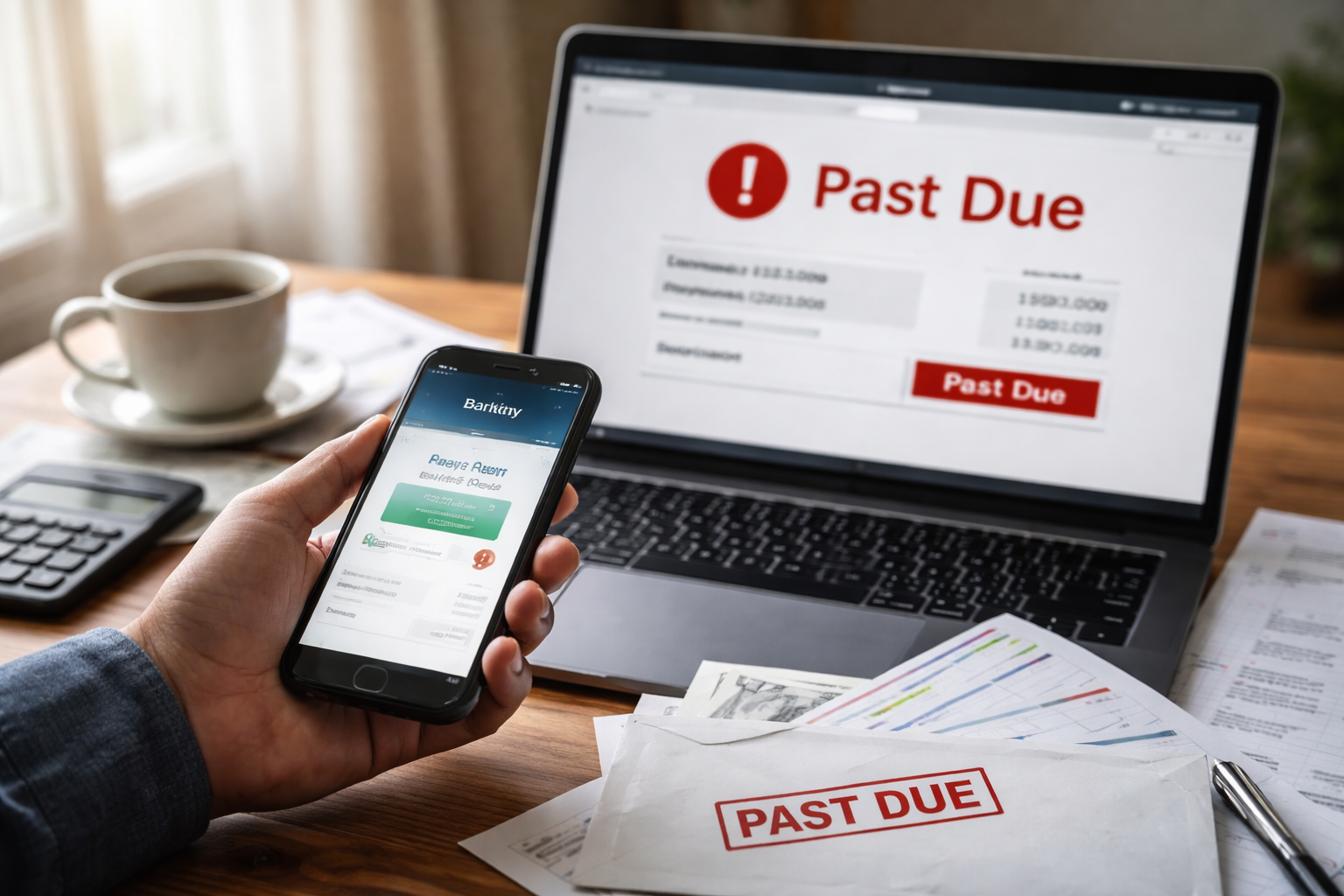
AutoPay Failed But Bank Shows Payment Sent was the first thing I typed into my notes app after I saw the “Past Due” banner. The money had already left my checking account. The bank app showed a completed ACH payment with a reference number. But the provider portal acted like nothing happened—same balance, same due date, same warning about suspension.
I wasn’t panicking, exactly. It was more like a tight, quiet annoyance—because you can tell what’s coming next: a late fee, a service interruption flag, an automated “final notice,” or a collections warning that seems absurd when your bank is literally showing the debit as done. The trap is that this problem punishes people who “wait for it to update” without opening the right internal ticket.
AutoPay Failed But Bank Shows Payment Sent is rarely about money disappearing into thin air. It’s usually about two systems that agree the payment moved, but disagree on when it becomes “posted” inside the billing ledger. If you handle it like a system mismatch instead of a shouting match, you can usually get fees frozen and service protected while they reconcile.
What’s Happening Behind the Scenes (Without the Textbook Lecture)
AutoPay Failed But Bank Shows Payment Sent lives in a gap between “transfer” and “posting.” Your bank sends an ACH debit. That debit can be marked complete on your bank side before the provider’s billing platform finishes its own receipt, matching, and allocation steps.
Providers often run a layered workflow:
- Bank/ACH movement: funds leave your account (you can see this).
- Processor/lockbox intake: payment file is received by a gateway (you cannot see this).
- Matching: payment is matched to an account ID/invoice (often where it breaks).
- Posting: ledger updates; late flags clear (this is the only step that “counts” internally).
- Allocation: the system decides what your payment covers first (fees? past due? current bill?).
If you want the clearest picture of why money can move but your balance stays unchanged, read this system-level explainer (it’s the closest “hub” for this topic):
AutoPay Failed But Bank Shows Payment Sent becomes urgent when automated rules fire before posting is complete. Most billing systems act on ledger status, not on your bank confirmation.
Fast Self-Check (So You Don’t Chase the Wrong Problem)
Before you call anyone, do a quick reality check that takes two minutes:
- Open the bank transaction details: is it completed or still pending?
- Confirm the merchant/provider name (some autopay debits are under processor names).
- Look for an ACH trace/reference, confirmation number, or transaction ID.
- Check whether the provider portal shows a payment “in process” section separate from posted history.
If the bank is “completed” but the provider shows nothing at all, you must treat this as a posting/matching issue, not a simple delay.
Detailed Case Breakdown (Find Your Situation)
Below are the most common patterns that create AutoPay Failed But Bank Shows Payment Sent. Find the closest match—then follow the exact fix steps for that case.
Case 1 — Cutoff-Time Gap: Payment “Completed” but Effective Date Missed
What it looks like: The bank shows the debit completed on the due date (or late evening before). The provider portal still flags late the next morning. A late fee posts automatically.
Why it happens: Providers often have a posting cutoff (sometimes earlier than you’d assume). Your bank can mark an ACH as completed while the provider processes it on the next posting cycle.
Fast fix: Ask the provider to apply an “effective payment date” override based on the ACH received/initiated timestamp, and request late-fee suppression while the payment moves through posting.
What to say: “I need a ticket for an ACH posting cutoff exception. Please confirm the receive date/time and freeze any late fee and interruption flags pending posting.”
If your situation feels tied to cutoff logic, this article complements it without duplicating the same angle:
Case 2 — Matching Failure: Payment Landed in Suspense / Unapplied Bucket
What it looks like: Bank shows completed. Provider portal shows no payment. You may get a “pay now” prompt as if nothing happened.
Why it happens: The payment file arrives but cannot auto-match to your account (wrong account number, old invoice, missing reference, recently changed service address, or multiple accounts under one name). The system parks it in a suspense/unapplied queue.
Fast fix: Ask them to search by amount + date + payment channel and confirm whether the payment is “unapplied,” “unidentified,” or “in suspense.” Then request manual application.
What to say: “Please search unapplied payments for my name/amount/date and apply it manually. I also need confirmation in writing that my account will not be treated as delinquent during the correction.”
Key leverage: You’re not asking them to “find my payment.” You’re asking them to check a specific internal queue.
Case 3 — Wrong Account After a Move or Service Change
What it looks like: You recently moved, upgraded service, merged accounts, or changed billing profiles. The bank debit is real, but the current account shows overdue.
Why it happens: AutoPay can remain tied to an old account ID even after you update your profile. The debit hits an inactive/closed account record or a prior service location.
Fast fix: Ask the provider to locate the payment against your old account ID and transfer it to the current ledger. Request a delinquency hold while they complete the transfer.
What to say: “I believe AutoPay is attached to a prior account ID. Please locate the payment on the legacy account and move it to my current account with an adjustment note.”
Case 4 — Partial Allocation: Payment Posted but Applied to Fees/Past Due Only
What it looks like: The provider shows a payment in history, but the account still says past due or shows a smaller balance than expected. You might still see a late flag.
Why it happens: Some systems allocate payments first to prior balances, reconnection fees, deposits, or other buckets. You “paid,” but the payment didn’t cover what you thought it did.
Fast fix: Request the allocation breakdown and ask whether any auto-fee posted before the payment applied. If the fee triggered due to posting delay, request reversal.
What to say: “Please explain the allocation order for my payment and confirm whether any fees posted before my payment was applied. If so, I need a fee review tied to payment posting delay.”
Case 5 — Reversal/Return Risk: Bank Shows Completed, Then It Quietly Returns
What it looks like: The debit shows completed today, but a few days later the provider says returned/failed—or your bank shows a reversal you didn’t notice.
Why it happens: Some ACH items can be returned (for example, account restrictions, mismatched authorization, or bank-side filters). Your “completed” view can update later after a return posts.
Fast fix: Ask your bank if the debit has an associated return code or reversal pending. Ask the provider if they received a return notice. If return is real, pay via an alternative method after getting the return details documented.
What to say: “Is there any return/reversal associated with this ACH item? If yes, I need the return reason and date so I can prevent late fees while making a replacement payment.”
AutoPay Failed But Bank Shows Payment Sent can fit more than one case. If you’re unsure, start with Case 2 (suspense/unapplied queue). That’s the most common invisible cause.
Provider vs Bank Perspective (So You Know Who Can Actually Fix What)
When AutoPay Failed But Bank Shows Payment Sent, each side tends to give you answers that are technically true—but incomplete.
- Your bank can confirm: the debit was sent, settled, or returned; and provide trace/reference details.
- Your provider can confirm: whether they received the file, whether it matched, whether it posted, and whether flags/fees were triggered.
The provider is the only one who can clear late flags, restore service status, and reverse fees. Your bank cannot “force post” a provider’s ledger.
The “No Double-Pay” Rule (And What To Do Instead)
When you’re staring at “Past Due,” it’s tempting to pay again just to make the warning go away. But if AutoPay Failed But Bank Shows Payment Sent is a matching or cutoff issue, a second payment can create a new mess: duplicate credits, refunds that take weeks, or allocation that accidentally pays next month while leaving fees behind.
Instead of double-paying, do a controlled bridge step:
- Request a delinquency hold (fee + interruption freeze) for 3–5 business days.
- Open an official ticket and get the ticket number in writing.
- Provide the ACH confirmation/trace details only after they confirm the queue they will search.
Exact Call Script (Short, Calm, Hard to Dismiss)
Use this script verbatim. It’s designed so the rep can’t shove you into generic “wait 72 hours” without accountability:
- “My bank shows the ACH payment completed. My provider account still shows past due.”
- “I need you to check whether the payment is in an unapplied/suspense queue or pending posting.”
- “Please create a ticket for payment posting reconciliation and provide the ticket number.”
- “While this is investigated, I need late fees and service interruption flags frozen.”
- “Please confirm the expected posting date and how you’ll notify me if matching fails.”
AutoPay Failed But Bank Shows Payment Sent should never end with “call back later.” It should end with a ticket number and a hold on penalties.
If Service Is About to Be Cut Off
If you see a suspension notice while AutoPay Failed But Bank Shows Payment Sent is unresolved, treat it as a separate emergency track. Many systems disconnect based on status codes that do not care about your bank proof.
This scenario-specific guide helps you move faster when the provider acts before posting catches up:
Ask for a “service protection hold” tied to documented payment reconciliation. Those words usually route you to a higher-privilege team.
Your Rights (One Official Source, Plainly)
When electronic payments are involved, U.S. consumers have protections under Regulation E (Electronic Fund Transfer Act). For the official rule text and consumer-facing framing, the CFPB’s Regulation E page is the cleanest reference:
CFPB — Regulation E (Electronic Fund Transfers)
This doesn’t mean every late fee is automatically illegal. It means you have a structured path to investigation and correction when electronic transfers are mishandled, and you should insist on documentation and timely review.
The Most Expensive Mistakes People Make
- Canceling AutoPay immediately (can create new delinquency flags or fail future cycles).
- Paying again without a ticket (creates duplicates/refund delays and weakens your leverage).
- Only sending screenshots (screenshots help, but the key is the trace/reference and a provider queue search).
- Waiting past the notice window (once collections workflows trigger, resolution becomes slower).
AutoPay Failed But Bank Shows Payment Sent is fixable, but only if you treat it like a system reconciliation problem with a time limit.
What to Do Today (In Order)
- Gather proof: ACH confirmation/trace/reference, date, amount, and merchant/provider descriptor.
- Call provider first: request suspense/unapplied search and a reconciliation ticket.
- Request penalty protection: late-fee suppression + disconnection hold while posting is verified.
- Set a callback deadline: “If not posted by (date), I need supervisor review and a written status update.”
- If they refuse a hold: escalate immediately, not later.
Your goal today is not a promise. Your goal is a ticket + a hold on penalties.
FAQ
How long should posting take?
It varies by provider and processor. Weekends/holidays often stretch timelines. The key is to get a ticket and a penalty hold so time doesn’t work against you.
Should I dispute it with my bank right away?
Only after the provider confirms non-receipt or a return/reversal. If the provider has the payment in suspense, a bank dispute can slow things down.
Can this go to collections even if I paid?
Some systems trigger collections steps based on delinquency status. That’s why you request a hold immediately while reconciliation is open.
What if the provider says they can’t find it?
Ask what search methods they used. Request an unapplied/suspense queue search by amount/date, then escalate if they refuse.
Key Takeaways
- AutoPay Failed But Bank Shows Payment Sent is usually a posting or matching gap between systems.
- Bank confirmation ≠ provider ledger posting.
- Open a reconciliation ticket and request late-fee/disconnection holds immediately.
- Do not double-pay without written confirmation that the first payment is missing.
- Use queue language: “unapplied,” “suspense,” “pending posting,” “allocation.”
AutoPay Failed But Bank Shows Payment Sent doesn’t feel like a “billing issue” when you’re living it. It feels like being punished for doing the responsible thing. But you can take control quickly if you push the problem into the right internal lane: reconciliation + penalty protection.
Today, make the call, open the ticket, and get the hold placed. If your provider’s rep tries to end the call with “just wait,” redirect them calmly: “I’m not asking you to guess. I’m asking you to document and protect my account while your system posts what already cleared.” Then get the ticket number and a timeline before you hang up.