
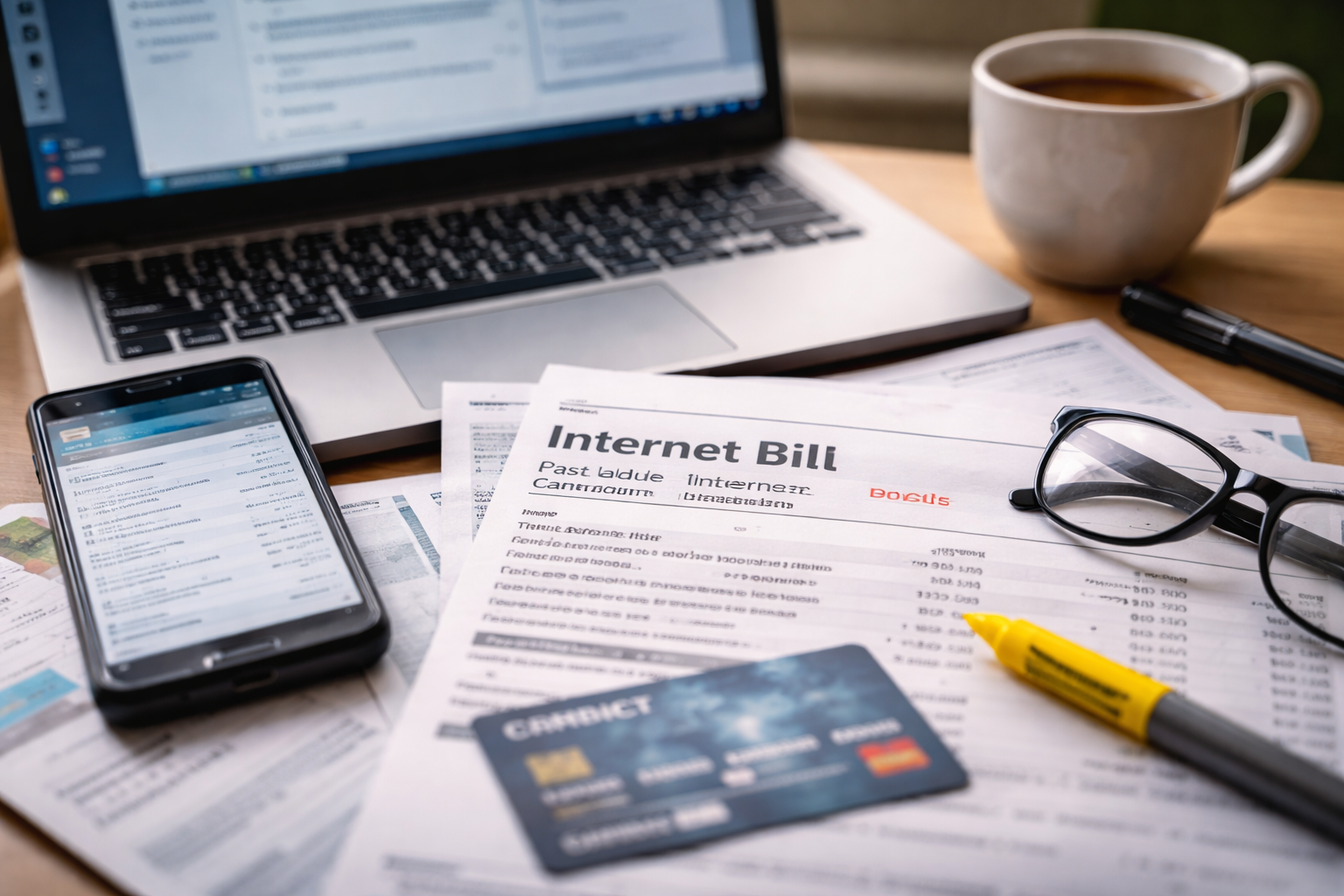
internet service canceled still billed — I didn’t search that phrase to learn something new. I searched it because I had a cancellation confirmation, a “final day of service” email, and then a fresh charge that showed up anyway.
I remember the moment clearly: I opened my banking app for something unrelated, saw the provider name, and my brain did that quick, silent math: “Wait… didn’t I already end this?” No panic, no drama—just that tight feeling that if I don’t act today, this becomes a repeating problem instead of a one-time mistake. The goal is simple: stop future charges first, then clean up what already posted.
Two-Minute Self-Check (Do This Before You Call)
Do this once, quickly, so you don’t get stuck explaining your story five times.
- Find your cancellation proof (email, chat transcript, confirmation page screenshot, or ticket number).
- Write down: cancellation date, “effective end date,” last bill cycle dates, and your account number.
- Identify what the new charge actually is: monthly service, equipment, prorated days, fees, or taxes.
- Check your autopay status inside the provider portal (not just your bank).
- Look for a return label or equipment status (modem/router/cable box) if you had one.
When you contact support, you want to sound like a person holding a file—not a person asking a favor.
Why This Happens (Even When You “Canceled Correctly”)
internet service canceled still billed is usually one of these system patterns (not a mystery):
- Cancellation was “requested” but not “completed” (common when a rep opens a ticket but doesn’t finalize the order).
- Billing cycle timing (you canceled mid-cycle, but the system billed the next cycle before the cancellation fully propagated).
- Autopay not fully detached (the provider portal says canceled, but autopay token still triggers a scheduled draft).
- Equipment still “open” (unreturned or “not scanned in” equipment can trigger charges or delay a final closeout).
- Bundled services (internet canceled, but a related line item stayed active: Wi-Fi add-on, protection plan, streaming bundle).
Most people lose time here because they argue about fairness. Instead, treat it like a tracking problem: “Which system step didn’t complete, and who can close it?”
How the Provider Thinks (So You Can Get to the Right Team)
Front-line support is trained to resolve confusion quickly. Your job is to convert your issue into an action request:
- “Please confirm my disconnect order status and the effective end date on the account.”
- “Please remove any autopay token and confirm it’s deleted (not just paused).”
- “Please open a billing dispute for the charge dated ___ and note that I have cancellation confirmation.”
- “Who owns the next step, and what’s the timeline for written confirmation?”
The phrase “Who owns the next step?” prevents your case from floating between departments.
Consumer Rights
You don’t need a legal speech. You need documentation and a clear request.
- You can request a billing review and ask what the charge represents.
- You can ask for written confirmation that service is disconnected and autopay is removed.
- If you paid by card and a charge is incorrect, you can ask your card issuer about a dispute process (timelines vary).
If you need a high-authority place to file an internet billing complaint after you’ve tried the provider’s channels, the FCC complaint portal is commonly used for internet service issues.
Use it only after you’ve gathered your proof and attempted a clean fix with the provider—complaints work best when you can paste dates, ticket numbers, and a short timeline.
The Fast Fix (A Step-by-Step Script You Can Follow)
Open your call/chat with a tight summary. Here’s a script you can copy:
- “I canceled service on ___ and have confirmation (ID/ticket: ___).”
- “A new charge posted on ___ for $___.”
- “I’m requesting: (1) confirm disconnect completion, (2) remove autopay, (3) reverse incorrect charge, (4) email confirmation today.”
- “If equipment is involved, I need the exact serial number you show as outstanding and the return status.”
internet service canceled still billed gets resolved faster when you keep repeating the same four requests instead of re-telling the story.
Case Branching Block (Pick Your Exact Scenario)
Do not mix cases. Choose the closest match and follow the steps in order.
Case A: You have a cancellation confirmation, but the monthly service charge posted anyway
- Ask for the disconnect order status: “completed” vs “pending.”
- Ask for the effective end date that billing used (not the date you called).
- Request a reversal and ask for a confirmation email with the adjustment amount.
- Ask them to block future billing events on the account. (Some systems can stop the next scheduled bill run.)
Case B: The charge is labeled “final bill,” “prorated,” or “early termination fee”
- Request the line-item breakdown (dates covered + service rate + fees).
- If it’s a prorate dispute: ask for the exact service end date used and compare it to your confirmation.
- If it’s a termination fee: ask what contract term they believe you were under and request the agreement reference.
- Request a supervisor review if the explanation is vague or purely verbal.
Case C: You returned equipment, but the system shows it outstanding
- Provide return proof (carrier receipt, drop-off receipt, tracking number, photo of label).
- Ask them to search by serial number and tracking number.
- Request they place a “returned, pending warehouse scan” note and remove related fees while it’s investigated.
- Don’t accept “wait 30 days” without a case number and a scheduled follow-up date.
Case D: You canceled online, but support claims they “can’t see it”
- Send the screenshot (date/time visible) and confirmation ID.
- Ask them to check the “order history” or “disconnect orders” screen (different teams use different views).
- Request they re-submit the disconnect order and backdate it to the original request date (if allowed).
- Ask for an email that states: “Service disconnected as of ___.”
Case E: The provider says “it’s your autopay/bank issue”
- Ask them to confirm whether the autopay token is deleted, not paused.
- Remove stored payment methods in the provider portal (if possible) and request written confirmation.
- If charges continue, ask your bank/card issuer about blocking future merchant charges (options vary by institution).
Mistakes That Make This Drag On (Avoid These)
- Paying “just to avoid late fees” without first opening a dispute and getting the case number.
- Accepting verbal promises with no email confirmation.
- Spending 30 minutes explaining emotions instead of 60 seconds listing dates and requests.
- Returning equipment without tracking or a receipt.
- Assuming it’ll fix itself next cycle.
internet service canceled still billed becomes a multi-month headache when you leave the record vague.
Escalation Ladder (Use Only If the First Contact Stalls)
- Step 1: Ask for the billing dispute team (or “account research,” “back office,” “retention supervisor”).
- Step 2: Request a written confirmation email with: service end date + autopay removal + adjustment amount.
- Step 3: Follow up on a set cadence: 48 hours, then 5 business days. Keep one thread of notes.
- Step 4: If still stuck, file a formal complaint with your documentation attached.
Escalation works when your timeline is clean: date, proof, request, response, next step.
Related Guides
If you’re handling multiple billing problems at once, these can help you stay procedural (and avoid paying the wrong thing while disputing):
Useful if you made a partial payment during a dispute and it didn’t post correctly—this prevents accidental late fees and duplicate payments.
Helpful when your provider says “it’ll reverse automatically” but you need a timeline, reference number, and a plan that protects your account.
Even though it’s about utilities, the checklist logic is the same: baseline history, billing period dates, system labels, and a short script that forces a review.
FAQ
Should I pay the bill while I dispute it?
It depends on your provider’s policy and whether nonpayment triggers fees or service actions. Ask what minimum or partial payment keeps the account in good standing while the dispute is open, and document the answer.
What if they insist the charge is “valid”?
Ask what exact dates the charge covers and which system record shows the service was still active. Then request a supervisor review and written confirmation of the decision.
How long should a correction take?
Many adjustments take days to a few weeks depending on billing cycles. The key is having a case number and a promised follow-up date, not an open-ended “wait.”
What if I canceled, but the portal still shows active?
That’s a status mismatch. Ask them to confirm the disconnect order status and re-submit if needed. Keep your confirmation proof ready and request an email stating the effective end date.
Key Takeaways
- internet service canceled still billed is usually a “system completion” failure: order status, autopay token, or equipment closure.
- Stop future charges first (disconnect completion + autopay deletion), then fix the posted charge.
- Use a short script, repeat the same four requests, and always get a case number.
- Pick the correct case path (A–E) and don’t mix scenarios.
- Escalate only after you’ve gathered proof and attempted a clean fix.
By the end of my first proper call, the feeling changed from “I’m stuck” to “I have a process.” I had a case number, a clear next step, and a promise of an email confirmation—small things, but they’re what make systems move.
If you’re in this exact spot right now, do the two-minute self-check, then contact support with the script. internet service canceled still billed doesn’t get solved by waiting for the next cycle—it gets solved when you force the account to close cleanly and get it in writing.