
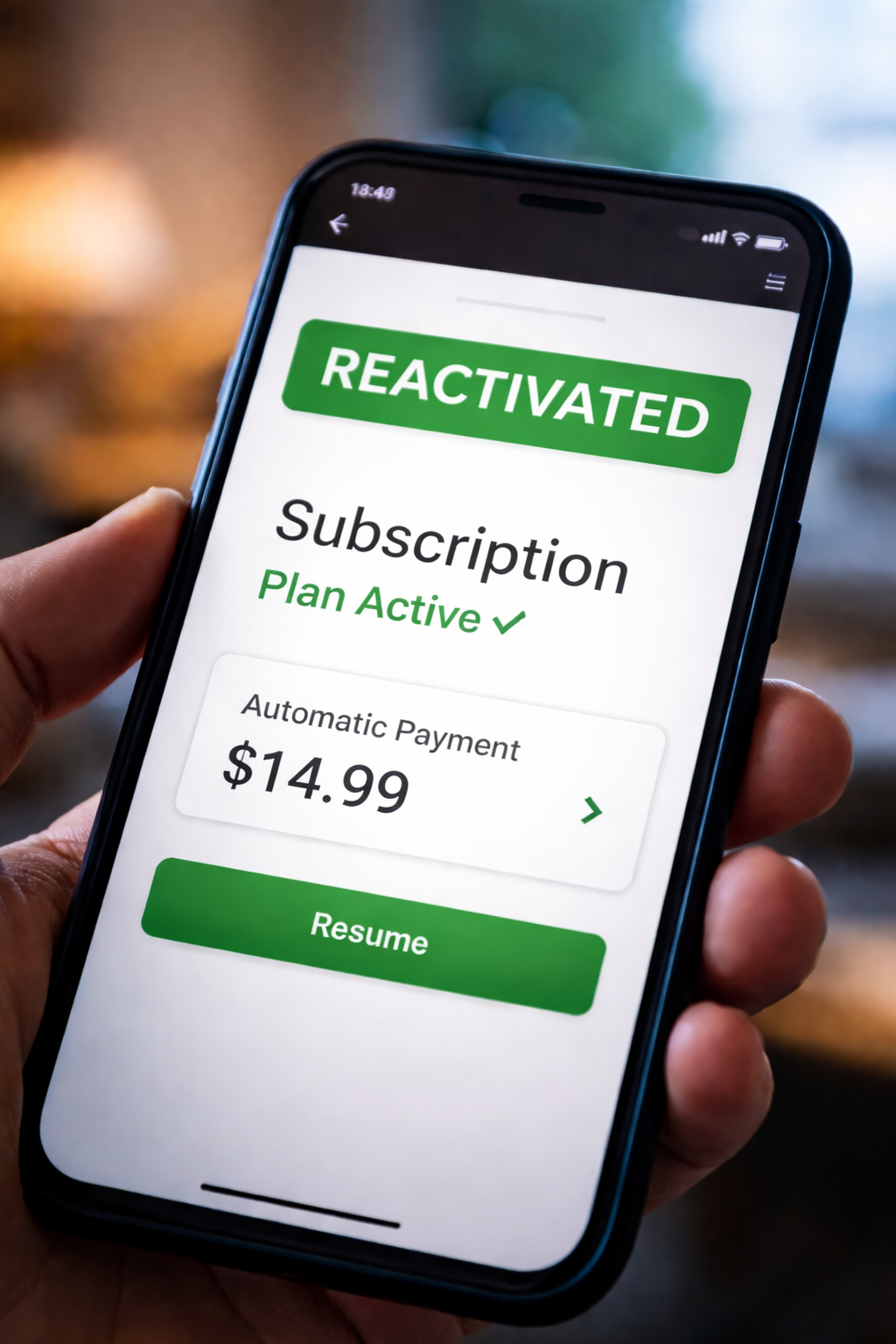
Subscription Account Reactivated Without Customer Authorization — I noticed it in the most ordinary way: a small charge on my card that didn’t match anything I currently used. At first I assumed it was a one-time mistake. Then I opened the provider’s account page and saw the status that made my stomach drop: “Active.” I hadn’t re-subscribed. I hadn’t clicked a renewal button. I hadn’t agreed to anything new.
I went back through my email, looking for a confirmation. Nothing. No “welcome back,” no “your plan has resumed,” no “billing restarted.” Just a charge and a quiet status flip. When Subscription Account Reactivated Without Customer Authorization, you’re not debating a preference or a policy—you’re disputing consent and control over recurring billing.
If you’re here because Subscription Account Reactivated Without Customer Authorization happened to you, the fastest way out is to treat it like a timestamp problem and an evidence problem. Providers respond differently when you ask for exact system facts, not general explanations.
Before you go further, this internal view of how subscription engines move from trial to paid can help you understand how “flags” and “status states” flip behind the scenes:
What “Reactivated” Means in a Billing Database
Subscription Account Reactivated Without Customer Authorization usually means the provider’s billing system changed one or more internal fields—often a status flag (canceled → active), an auto-renew indicator (off → on), or a billing cycle anchor date (reset to “today”).
In real systems, “canceled” is not always a single permanent switch. It can be a state with sub-states such as “pending cancellation,” “canceled at end of period,” “paused,” “grace,” or “collections hold.” That complexity is exactly why you must ask for the reactivation timestamp and the event that triggered it.
The Most Common Reactivation Triggers
When Subscription Account Reactivated Without Customer Authorization, it often traces back to one of these triggers:
Trigger A: “Cancel at end of billing period” confusion.
You canceled, but the plan was still scheduled to run until the end date. Later, the system treats your login or plan change as “continue” instead of “end.”
Trigger B: Payment retry cycle flips the state.
A payment failed earlier, then succeeds later. Some platforms interpret a successful retry as permission to reactivate services.
Trigger C: Account migration or plan restructuring.
Providers change billing vendors, pricing tiers, or bundle logic. During migration, auto-renew flags can be reattached by default.
Trigger D: “Support action” reactivation.
A support agent changes the account state while resolving an unrelated ticket, or “restores access” and billing resumes.
Trigger E: Third-party store linkage.
The subscription is tied to Apple/Google/Amazon or another billing channel. A restore purchase event or device login re-links an active entitlement.
None of those triggers automatically equal permission—your dispute is about authorization and notice.
Quick Self-Check: Which Path Fits Your Situation
If Subscription Account Reactivated Without Customer Authorization, use this checklist to identify your most likely path before you contact support (it helps you ask the right questions):
Check 1: Do you have a cancellation email, ticket number, or screenshot?
Check 2: Did the reactivation happen right after you logged in, updated a password, or changed a device?
Check 3: Did you update payment method recently (new card, new bank, new wallet)?
Check 4: Did the provider recently announce “new plans,” “bundles,” or “pricing updates”?
Check 5: Is the charge coming from a different descriptor than before (slightly different merchant name)?
The more “yes” answers you have, the more likely this is a system workflow issue—and the easier it is to demand a precise log explanation.
Immediate Actions That Preserve Evidence
When Subscription Account Reactivated Without Customer Authorization, the first 30 minutes matter because account screens can change after you contact support.
- Screenshot the account status page showing “Active.”
- Screenshot the plan page showing billing period, renewal date, and price.
- Download or screenshot billing history for the last 6–12 months.
- Locate cancellation confirmation (email, chat transcript, ticket ID, portal message).
- Screenshot the card charge (bank app view is fine).
Do not rely on “I can show it later.” Save it now.
How to Contact Support Without Losing Leverage
Subscription Account Reactivated Without Customer Authorization is easiest to fix when you force the provider to answer “system questions.” Avoid starting with: “Why did you do this?” Start with: “Please confirm the event.”
Copy/paste message:
“My Subscription Account Reactivated Without Customer Authorization. Please confirm in writing: (1) the exact reactivation timestamp, (2) the event that triggered reactivation (login, payment retry, agent action, migration, store restore, etc.), and (3) the billing period and charges created by that reactivation. I am requesting cancellation effective immediately and a refund for all charges after my original cancellation date.”
Asking for timestamp + trigger forces an audit trail response instead of a scripted policy reply.
Detailed Branches and What To Do Next
Subscription Account Reactivated Without Customer Authorization usually falls into one of these branches. Match yours and follow the steps exactly.
Branch 1: “Cancel at end of period” was misunderstood.
Signs: You canceled, but the provider says the plan was still active until a later date.
Do this: Ask for the original cancellation timestamp and the end-of-period date. Request a refund for any cycle after the end date. Ask them to confirm auto-renew is off and provide a written “subscription closed” note.
Branch 2: Payment retry reactivated your plan.
Signs: You see multiple attempted charges, then one successful charge; support mentions “retry.”
Do this: Request the retry schedule log and the exact moment the plan flipped to active. Ask them to reverse the state and refund the successful retry charge. Then remove payment method only after you have screenshots and a ticket number.
Branch 3: Plan migration or “new pricing” reset the flag.
Signs: Recent announcements, new tier names, bundle changes, or a new billing descriptor.
Do this: Request written confirmation that you did not accept a new plan. Ask them to roll back to canceled state and refund. Ask them to confirm your account is excluded from future auto-migrations.
Branch 4: Support agent action reactivated it.
Signs: Reactivation occurred right after a support interaction, password reset, or access restoration.
Do this: Ask for “agent notes” summary or a supervisor review. Request a refund and a confirmation email stating the reactivation was unintended.
Branch 5: Third-party billing channel restored it.
Signs: Charge shows Apple/Google/Amazon or a marketplace, not the provider directly.
Do this: Confirm which billing channel owns the subscription. If the provider can’t refund, request written confirmation that the charge originated from the third-party channel, then dispute in that channel with your screenshots and cancellation proof.
Mistakes That Make This Harder to Fix
- Deleting the account immediately. You may erase access to billing history screens.
- Removing payment method before documenting. You lose the clean charge record context.
- Accepting “store credit” too quickly. It may waive your cash refund path.
- Waiting through another billing cycle. Providers become less flexible as time passes.
- Starting with anger instead of facts. Keep it clinical; keep it written.
Your strongest position is calm, documented, and timestamp-driven.
Consumer Protection Reference
For guidance on recurring subscriptions and how automatic renewals and negative option billing work, see the Federal Trade Commission’s consumer guidance on subscriptions, auto-renewals, and canceling recurring services:
FTC – Getting In and Out of Free Trials, Auto-Renewals & Negative-Option Subscriptions
Recommended Reading
If your reactivation dispute overlaps with “cancellation didn’t stick” or ongoing billing, these pages can help you connect the dots:
When it feels like your cancellation never fully processed, this is the closest match:
If the provider claims you were still billed after cancellation, compare this flow:
Right before escalation, using a structured escalation script can help:
Key Takeaways
- Subscription Account Reactivated Without Customer Authorization is a consent and audit-trail issue.
- Screenshot status, billing history, and cancellation proof before contacting support.
- Ask for reactivation timestamp and trigger event in writing.
- Match your situation to the correct branch (retry, migration, agent action, third-party channel).
- Move fast—every billing cycle increases complexity.
FAQ
Is this the same as “auto-renew”?
Not exactly. Subscription Account Reactivated Without Customer Authorization implies the plan returned to active status after you believed it was ended or inactive.
What if support says I “clicked something”?
Ask for the exact timestamp and the event log details. If they can’t provide it, request supervisor review.
Should I dispute with my bank immediately?
First collect evidence and open a provider ticket in writing. If they deny refund or stall, escalate promptly according to your bank’s dispute process.
What if the charge is through Apple/Google?
Confirm which platform owns billing. Providers often cannot refund third-party charges; use the platform’s dispute path with your documentation.
What if I’m worried about collections or credit reporting?
Keep paying undisputed balances if any exist, but do not pay the disputed reactivation charges until the provider confirms the basis in writing.
Subscription Account Reactivated Without Customer Authorization is not “just a billing hiccup” when it changes your account state and starts charging you again. The fix is not guessing. The fix is documentation plus precise questions.
Right now, take screenshots of your account status and billing history, then send the copy/paste message requesting the reactivation timestamp, trigger, immediate cancellation, and a refund. Do that today—before another retry runs, before another cycle renews, and before the account history becomes harder to reconstruct. You deserve a clear written explanation and a clean stop to unauthorized billing.