
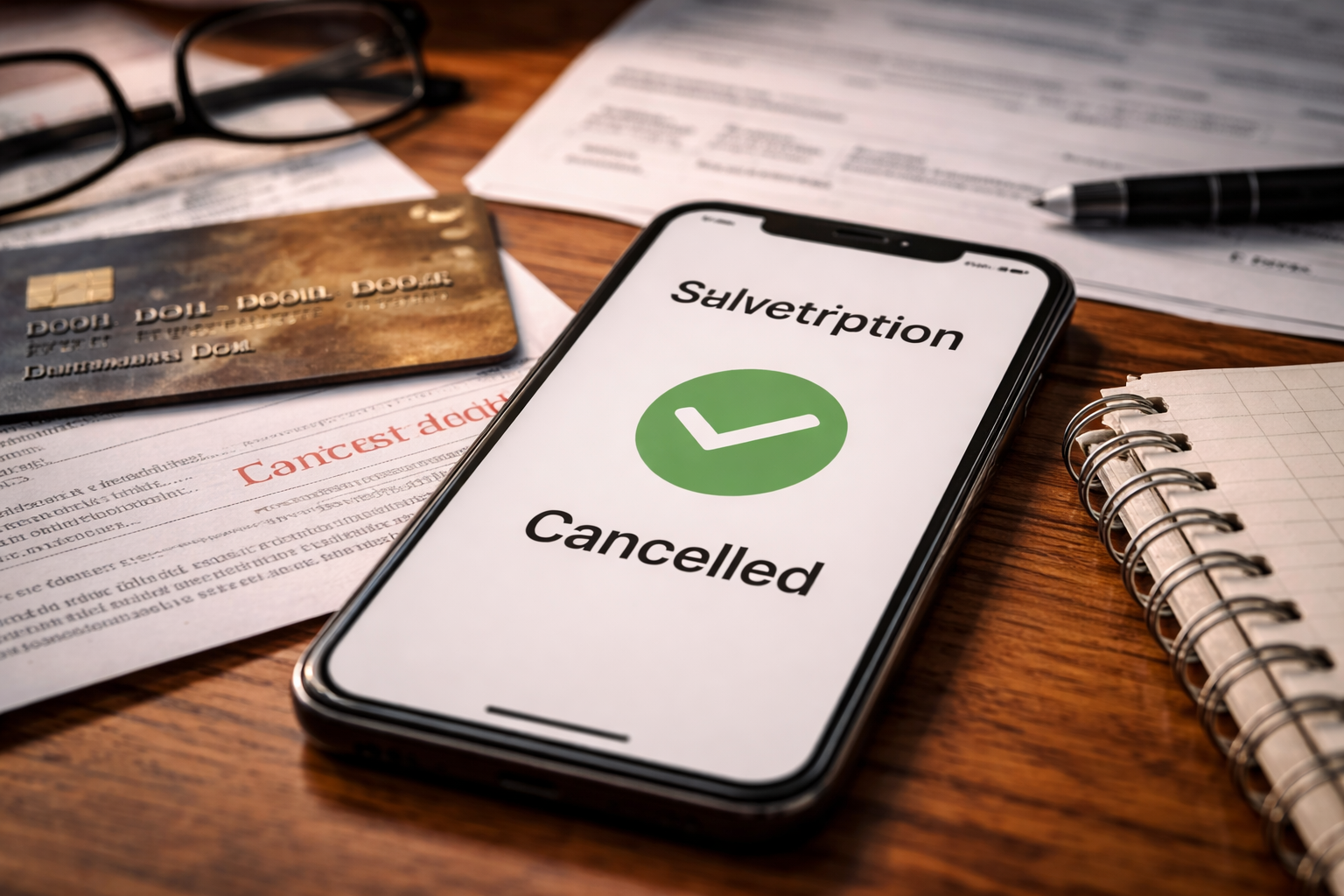
Subscription cancellation not processed — I realized it when my bank notification popped up and the charge looked familiar in the worst way. Same merchant name. Same amount. Same time of month. I was sure I’d canceled. I remember tapping the cancel button and feeling relieved. But I couldn’t find a confirmation email, and that tiny missing detail suddenly felt expensive.
I didn’t start by blaming myself or going nuclear with a chargeback. I opened the app, checked my account settings, and looked for one thing: proof. If subscription cancellation not processed is happening to you, it’s rarely about whether you “meant” to cancel. It’s about whether the system recorded it before the renewal cutoff — and whether you can prove it.
YMYL note: This guide is educational and U.S.-focused. It’s not legal advice. If you’re dealing with identity theft, large-dollar losses, or a lawsuit, consider professional help.
If you deleted the app thinking that ended billing, start here first so you don’t waste time arguing with the wrong system:
Key Takeaways
- Deleting an app does not cancel a subscription. Your billing status lives in Apple/Google or the provider’s website.
- If subscription cancellation not processed, it’s usually (1) renewal cutoff timing, (2) wrong account, (3) cancellation didn’t “save,” or (4) plan change overlap.
- Your fastest win is preventing the next renewal. Refund battles get easier once billing is stopped.
- Escalate in this order: confirm channel → capture proof → provider ticket → platform refund → card dispute only if needed.
- One clean timeline beats ten angry messages.
Quick Self-Check: What Did You Cancel?
Before you try to “dispute,” get clarity. When subscription cancellation not processed, people often canceled the wrong place.
- Was it billed through Apple subscriptions? (iPhone/iPad, Apple ID purchase history)
- Was it billed through Google Play? (Android, Play Store subscriptions)
- Was it billed directly on the company website? (SaaS tools, streaming, newsletters)
- Was it billed through PayPal or another wallet? (separate recurring authorization)
Pick the channel first. If you escalate with the wrong channel, the provider will treat you like you never canceled.
Why “Cancellation” Sometimes Doesn’t Register
If subscription cancellation not processed, the most common system reasons look like this:
- Renewal cutoff: you canceled after the platform’s cutoff (often 24 hours before renewal), so the next charge still runs.
- No confirmation state: you tapped cancel but didn’t reach the final “confirmed” screen (or it failed silently).
- Wrong account: your subscription is tied to a different email, Apple ID, or Google account.
- Plan switch overlap: upgrade/downgrade created a second billing line item or a prorated charge you didn’t expect.
- Provider processing lag: cancellation saved, but status didn’t update before billing batch ran.
These are fixable — but only if you treat them like timestamps and records, not feelings.
Find Your Exact Lane (Detailed)
Lane A — You canceled “in time” but still got charged
If subscription cancellation not processed happened even though you canceled days before renewal, your best angle is proof + platform escalation.
Lane B — You canceled on renewal day (or within 24 hours)
This often isn’t a “processing failure” — it’s a cutoff policy problem. Your best angle is refund request framed around intent + immediate stop of future renewals.
Lane C — You deleted the app, not the subscription
Billing continues because the subscription lives in Apple/Google or the provider portal. Your best angle is cancel at the source, then request a refund with corrected proof.
Lane D — You have multiple accounts and canceled the wrong one
If subscription cancellation not processed, check purchase history under alternate emails, Apple IDs, or Google accounts. Your best angle is matching the exact merchant charge to the exact account.
Lane E — The provider shows canceled, but charges continue
This is the classic “status mismatch.” Your best angle is screenshots of “canceled” status + billing proof, then escalation to billing support.
Lane F — Upgrade/downgrade created extra charges
Not all extra charges are errors. Your best angle is invoice review, proration explanation request, and plan correction.
Lane G — Refund promised, but card not credited
Billing may be stopped, but money didn’t return. Your best angle is refund reference number + settlement timelines.
The 48-Hour Containment Plan (Stops the Next Charge)
If subscription cancellation not processed, your first goal is to stop the next renewal. Refund fights are easier when the billing tap is turned off.
- Locate the subscription channel (Apple / Google Play / provider website / PayPal wallet).
- Capture proof: screenshots of subscription status, billing history, renewal date, and cancellation attempt.
- Cancel again at the source and confirm you see “Expires on [date]” or “Canceled.”
- Send one written support request with attachments (short, factual, timestamp-based).
- Set a reminder 48 hours before the next renewal to re-check status.
Do not rely on “I’m pretty sure.” You need “Here is the timestamp.”
How to Escalate Without Triggering Account Lockouts
People jump straight to chargebacks and then get locked out of the service, lose access to files, or get blocked from future subscriptions. If subscription cancellation not processed, escalation order matters.
- Step 1: Provider/platform support (proof attached, request cancellation confirmation + refund).
- Step 2: Platform refund path (Apple/Google) if billed through them.
- Step 3: Card dispute only if ignored, denied unfairly, or unauthorized.
Think of a card dispute as leverage, not the opening move.
Lane-by-Lane Fix (Action Steps That Match Your Case)
Lane A Fix — Canceled early, still charged
- Attach screenshot showing cancellation status and the renewal date.
- Include proof of when you canceled (email, screenshot, or account log).
- Request refund for the new cycle and written confirmation billing will stop.
- If subscription cancellation not processed persists, escalate to platform refund path.
Lane B Fix — Canceled too close to renewal
- Stop future renewal immediately and document the “expires on” date.
- Request a one-time exception refund (short explanation, no rant).
- Ask support to confirm the cutoff policy in writing.
- Even if refund is denied, you can still stop future charges.
Lane C Fix — Deleted app, subscription still active
- Open Apple/Google subscriptions and cancel at the source.
- Screenshot the canceled status page.
- Then request refund referencing the misunderstanding clearly.
- If subscription cancellation not processed continues, confirm you are in the correct Apple ID/Google account.
Lane D Fix — Multiple accounts
- Search your email for receipts across all addresses you use.
- Check Apple/Google purchase history under alternate accounts.
- Match the merchant descriptor on your statement to the receipt.
- Once matched, cancel in the correct account and request refund.
Lane E Fix — Provider shows canceled, charges still hit
- Screenshot the “canceled” status and subscription end date.
- Attach the statement line showing the charge date/amount.
- Ask billing support to confirm why the charge processed anyway.
- If subscription cancellation not processed is clearly a system error, request reversal and written confirmation.
Lane F Fix — Upgrade/downgrade confusion
- Download the invoice showing proration or plan change details.
- Request an explanation in plain English from support.
- If it’s wrong, request correction to the intended plan and refund of the difference.
- Do not dispute until you confirm whether it was a valid prorated charge.
Lane G Fix — Refund promised, not credited
- Ask for a refund reference number or transaction ID.
- Wait 3–10 business days (typical settlement window).
- If still missing, escalate with refund proof and request trace.
Useful supporting guide if this is your lane:
If you’re not sure whether you’re dealing with “still billed” vs “cancellation not processed,” this page helps you compare the two situations quickly:
What Providers and Platforms Usually Claim (So You Can Respond Correctly)
When subscription cancellation not processed, you’ll often hear one of these lines:
- “We show it was canceled after renewal.” → Ask for the renewal cutoff timestamp and compare to your proof.
- “You canceled the app, not the subscription.” → Cancel at the source and request refund using corrected evidence.
- “No record of cancellation.” → Provide screenshots, emails, and logs; request they check audit history.
- “Refunds are not available.” → Request escalation and cite that you are disputing the cancellation processing failure, not “buyer’s remorse.”
Your goal is to keep the conversation anchored to records and timestamps.
Mistakes That Make This Drag On
- Waiting for the next cycle to “see if it stops.” That’s how recurring charges multiply.
- Using different stories in different tickets. Keep one clean timeline.
- Going straight to chargeback before you secure proof (can trigger lockouts).
- Forgetting PayPal/wallet subscriptions that keep authorizations active.
If you do one thing right, make it proof capture.
Official Consumer Resource
For general U.S. guidance on disputing charges and what documentation matters, see the CFPB’s official resource:
FAQ
- Is it normal to be charged after canceling?
Sometimes you’re charged for the current cycle if cancellation happened after the cutoff. But if subscription cancellation not processed, charges can continue beyond what you agreed to. - What proof matters most?
Screenshots showing cancellation status and the renewal date, plus receipts and billing history. Timestamps win. - How long should I wait for a refund?
Often 3–10 business days. If it goes beyond that and you have confirmation, escalate with the reference number. - Can a chargeback hurt my credit?
Usually not directly, but it can trigger account restrictions or service suspension. - What if I never signed up?
Treat it as unauthorized activity, secure your account, and escalate quickly.
Recommended Reading
If your core problem is “billing kept going even after cancellation,” this deeper guide helps you expand your next steps without repeating this page:
Subscription cancellation not processed feels like you did the responsible thing and the system simply refused to acknowledge it. I had that same moment — not rage, just a cold realization that the billing engine doesn’t care what you intended. It cares what it recorded.
Here’s what to do right now: find the channel, capture cancellation proof with timestamps, cancel again at the source, and send one clean written request with attachments. If subscription cancellation not processed is your issue, documented action stops recurring charges — and keeps you from paying for the same mistake twice.