
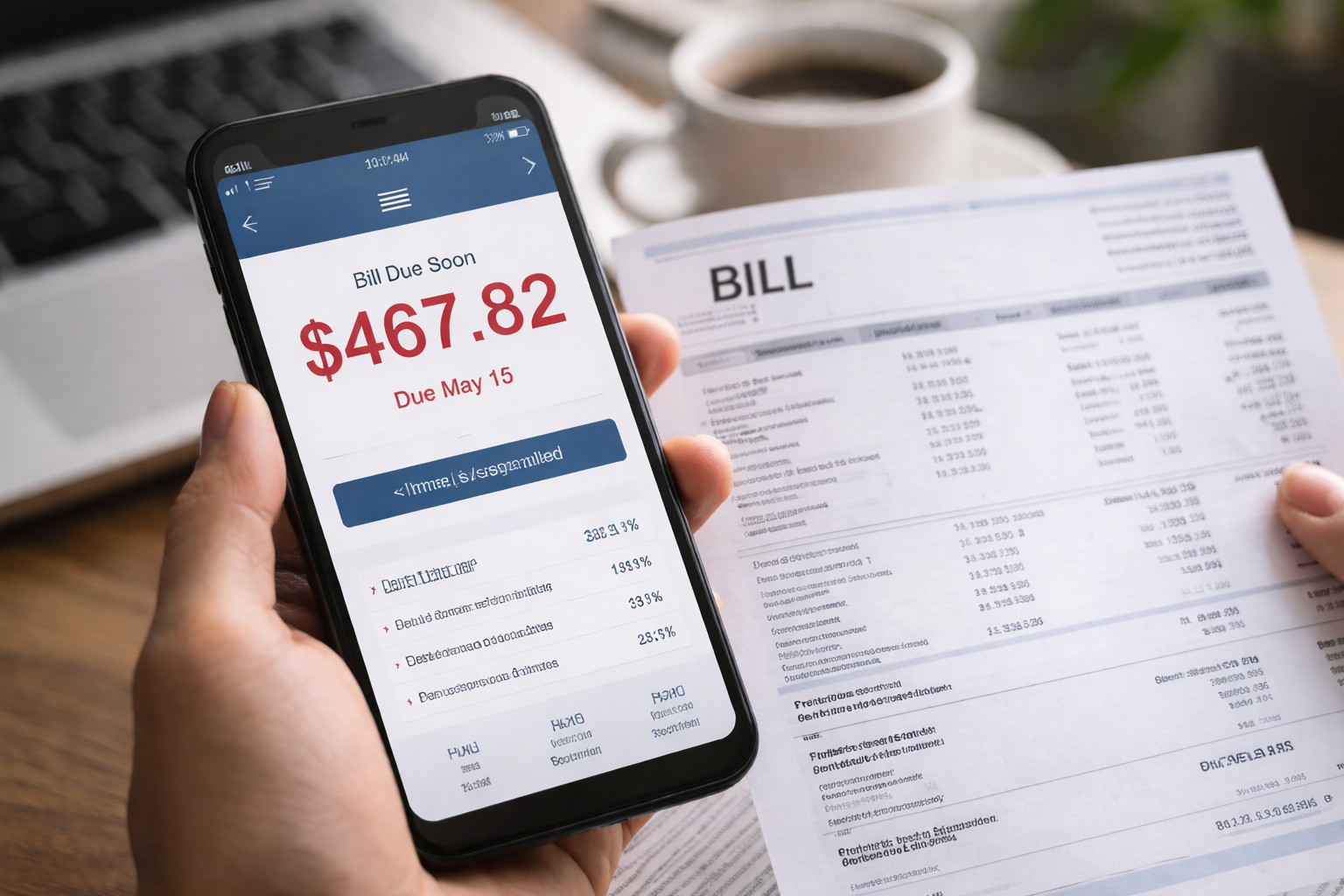
Mobile bill balance wrong amount — I noticed it before my coffee even finished dripping. I opened the carrier app out of habit, expecting the usual autopay confirmation and a normal remaining balance. Instead, the number looked like someone else’s account. I refreshed twice. Logged out. Logged back in. Same balance, same due date, same panic creeping in.
I hadn’t upgraded, I hadn’t added a line, and my usage looked normal. That’s what made it worse: there was no obvious “reason” to blame. When a balance is wrong but nothing changed, it’s not a “you” problem first — it’s a system problem first. I grabbed screenshots immediately, because I’ve learned the hard way: once the screen changes, the proof disappears.
What This Problem Usually Means
When you see a mobile bill balance wrong amount, the important question is not “Why is my bill high?” The important question is: “What changed in the account ledger?” Carriers don’t build your balance from one line item. It’s a running ledger: last cycle’s closing balance, minus payments, plus current charges, plus adjustments, plus taxes/fees, plus any device installment changes.
If the ledger is off, the balance can look wrong even when your usage is normal. That’s why guessing is risky. You need to isolate the type of mismatch first, then use the right escalation script.
Two-Minute Self-Check That Prevents a Bad Support Call
Before you call or chat, do this fast check. It turns a “complaint” into a “billing reconciliation request,” and you’ll get better help.
- Download the full PDF statement (not just the app summary).
- Write down: last statement closing balance, this statement opening balance, payment(s) received, and payment date(s).
- Find the “Adjustments,” “Credits,” “One-time charges,” and “Device installment” sections.
- Screenshot the current balance screen, the due date, and the payment status page.
If the prior closing balance doesn’t match this cycle’s opening balance, you’re dealing with a posting or ledger error — not a “you used more data” story.
Decision Box: Identify Your Exact Scenario (Don’t Skip)
Use this box to match what you’re seeing. Pick ONE path and follow it.
Path A — Payment shows “Completed,” but balance didn’t drop
Signs: payment receipt exists, bank shows posted/settled, carrier still shows full due amount.
Best ask: “Please confirm payment application to the billing ledger and provide the account payment posting ID.”
Path B — Balance jumped after a plan change, upgrade, or cancellation
Signs: plan changed mid-cycle, proration lines appear, odd partial charges, termination fees, activation/upgrade fees.
Best ask: “Please re-rate the bill and explain proration math line by line.”
Path C — Balance doubled or repeats the prior cycle
Signs: current charges look like last month’s charges; statement dates overlap; two “monthly service” blocks.
Best ask: “Please check for duplicate cycle generation or overlapping billing period.”
Path D — Credit/negative balance vanished
Signs: you had a credit, refund, promo credit, or adjustment; now it’s missing or reversed.
Best ask: “Please provide the reversal reason code and the credit removal timestamp.”
Path E — Balance is wrong only in the app (PDF is correct)
Signs: PDF totals match your expectations, app/home screen shows a different number.
Best ask: “Please confirm app display sync issue and verify the official statement balance.”
Pick the path first. Then contact support. You’ll sound like you know exactly what you’re doing — because you do.
Why This Happens Inside Carrier Systems
Behind the scenes, carriers run automated billing engines that do three things at scale: apply payments, rate usage, and generate statements. A mobile bill balance wrong amount usually happens when one of these “feeds” lags or misfires:
- Payment application lag: payment received but not applied to the ledger, or applied to a sub-account.
- Proration and re-rating errors: plan changes mid-cycle; the system calculates partial month incorrectly.
- Adjustment timing problems: credits and debits post after the statement cut date, changing what the app shows.
- Device installment mismatches: installments or trade-in credits duplicate, pause, or restart incorrectly.
This is why “I didn’t use that much data” isn’t the right opening line. You want them looking at ledger math, not usage charts.
What To Say (A Short Script That Gets a Real Investigation)
Use this exact structure. Keep it calm and specific.
- “My statement PDF and/or ledger appears inconsistent, and my balance is incorrect.”
- “I’m requesting a billing reconciliation and a manual ledger review.”
- “Please identify which line item changed the opening balance and provide the posting timestamp.”
- “Please email me a summary of the dispute and give me a reference number.”
Say “billing reconciliation” and “manual ledger review.” Those terms push the issue past the front-line script.
The Evidence Checklist (This Makes You Win Faster)
When you have a mobile bill balance wrong amount, you’re not trying to “prove” you’re a good person. You’re proving the ledger is wrong. Here’s what to collect:
- PDF statement (download and save locally)
- Screenshot of app balance + due date
- Payment receipt page from carrier portal
- Bank/credit card transaction showing posted/settled status (not just “pending”)
- Any emails/texts confirming plan change, upgrade, promo, or credit
If you can show “payment posted” + “balance didn’t move,” it’s very hard for them to dismiss you.
What Not To Do (These Mistakes Make It Worse)
- Don’t start by accusing fraud unless you have unauthorized charges.
- Don’t cancel service first — cancellation can freeze or scramble the audit trail.
- Don’t pay the full wrong balance “just to stop the stress” without documentation.
- Don’t let support close the ticket without an email summary or reference number.
Paying the undisputed portion is smart; paying a wrong balance without notes is how errors become “accepted.”
If They Won’t Fix It: Escalation That Stays Clean and Effective
If your mobile bill balance wrong amount is not corrected after the first contact, escalate in this order:
- Supervisor escalation: ask for a “billing supervisor” or “account resolution team,” not “a manager.”
- Written dispute: submit a written billing dispute through the carrier’s website form or billing dispute address.
- Confirm service status: ask whether the disputed amount can be placed on hold while the investigation runs.
Your goal is to create a clean paper trail and pause damage (late fees, suspension, collections) while the ledger is corrected.
When you speak to a supervisor, ask one direct question: “Which line item created the difference?” If they can’t answer, they haven’t actually reviewed the ledger.
Fast Fixes by Scenario (Pick the One You Matched Above)
Path A (Payment not applied): Ask for the payment posting ID and request they re-apply to the correct billing bucket. If the payment is still “pending” at your bank, ask them to confirm whether they only credit “settled” payments. If it’s settled and still not credited, you likely need a manual application.
Path B (Proration mess): Ask them to “re-rate the cycle.” The system sometimes miscalculates partial months. Request they read you the proration start/end dates and confirm your plan effective date. Proration disputes are won by dates, not opinions.
Path C (Duplicate cycle): Ask them to confirm billing period start/end dates on the statement. If they overlap, request a corrected statement. Duplicate cycle errors are rare but real, especially during migrations or account changes.
Path D (Credit vanished): Ask for the adjustment reversal reason code. Many credits have conditions (line must stay active, device return confirmed, promo verification). If you met conditions, ask for the credit to be re-issued with a new adjustment ID.
Path E (App display mismatch): If the PDF is correct, treat the PDF as the official record. Ask for written confirmation that the “statement balance” is correct and the app will resync. This prevents you from overpaying based on an app glitch.
One Trusted Resource for Billing Disputes
If you want a neutral, non-carrier explanation of how billing disputes generally work in the U.S., this is a solid reference. It helps you keep your wording clean and professional.
Use that guidance to stay focused on documentation, dates, and written dispute trails.
Related Reads
If your balance issue is caused by a specific mobile billing category, these are the closest matches without overlapping this article’s main focus (overall balance mismatch vs single-fee disputes):
1) If the “wrong amount” is really a total overcharge pattern:
2) If you suspect an add-on silently inflated your balance:
3) If roaming charges changed the balance unexpectedly:
This article is designed to be non-duplicative: it targets ledger/balance mismatch logic and escalation scripts, not any single fee type.
FAQ
How long does it take to fix a balance error?
Simple payment application issues can resolve the same day. Ledger re-rating and credit reversals can take several business days. The fastest cases are the ones with clean screenshots and a clear mismatch explanation.
Should I stop autopay?
If the system is pulling the wrong amount, pause autopay temporarily and pay the undisputed portion manually. Always keep proof of what you paid and why.
What if they threaten suspension?
Ask whether the disputed amount can be placed on hold during investigation. Pay the undisputed portion so you can honestly say you are not refusing to pay — you’re disputing a specific difference.
Is this legal advice?
No. This is practical, documentation-first dispute guidance. If the amount is large or you receive a collections notice, consider getting professional help.
Key Takeaways
- Mobile bill balance wrong amount is usually a ledger, payment application, or proration issue — not a mystery “usage spike.”
- Download the PDF and compare opening/closing balances before you contact support.
- Use “billing reconciliation” and “manual ledger review” to trigger real investigation.
- Collect screenshots and payment proof early; proof disappears when screens update.
- Escalate calmly with reference numbers and written summaries.
After my first call, I almost accepted the generic explanation: “It should update in 24–48 hours.” But the numbers were too specific to ignore. The only thing that changed the outcome was treating it like a ledger problem, not a vibe problem.
If you’re staring at a mobile bill balance wrong amount right now, do three things in the next 15 minutes: download the PDF statement, screenshot the balance and payment status, and contact support with a billing reconciliation request. Do it today — because once late fees, holds, or collections enter the picture, the “simple fix” becomes a longer fight.