
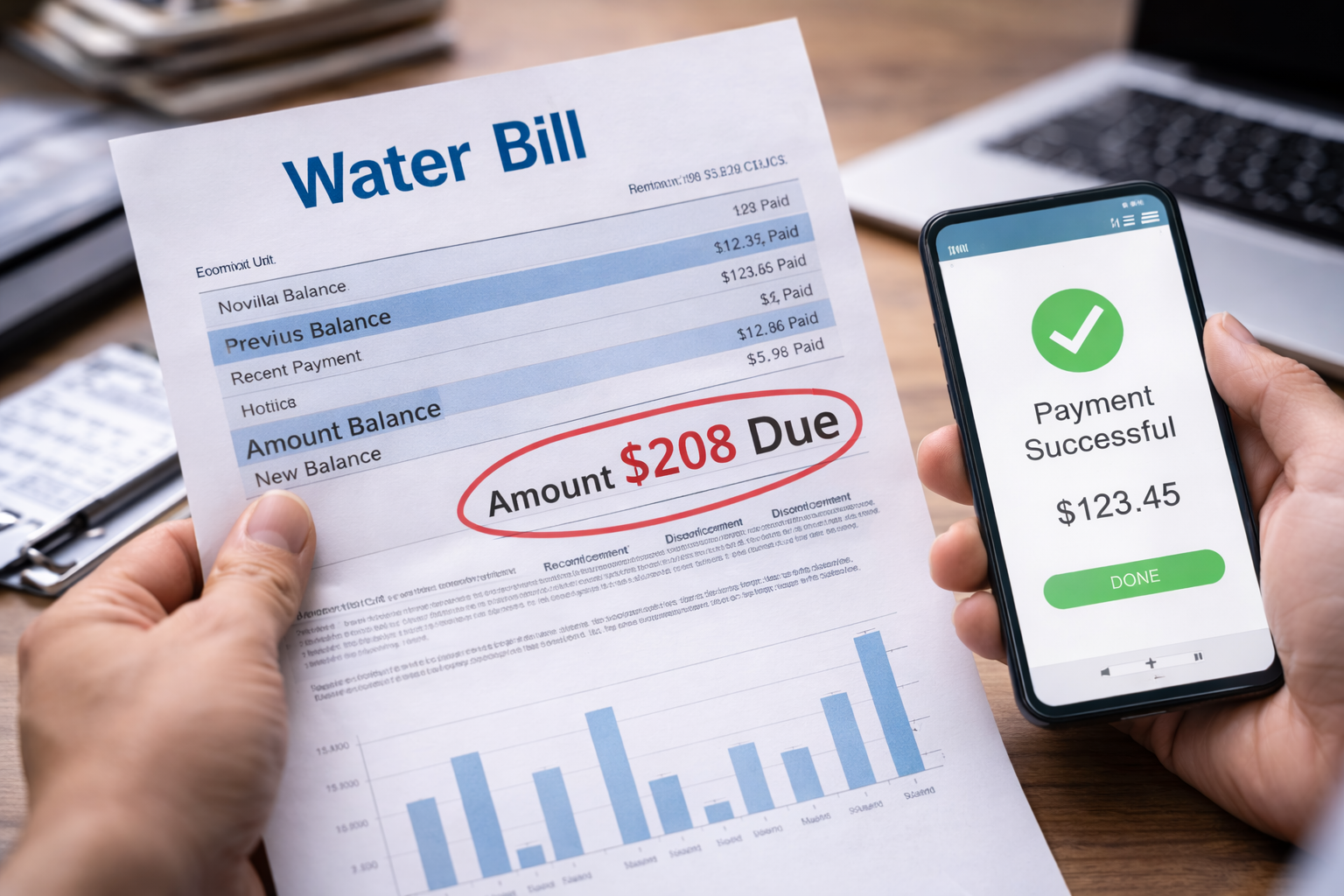
Water bill payment not credited is the kind of problem that feels unreal for a few seconds. You already paid. You have the confirmation. The money is gone. So when you log into the utility portal and the balance still shows “Due,” you stare at it like it’s a glitch that will correct itself if you refresh.
Then you refresh. Nothing changes. You check your bank app. The payment is there. And the thought that lands is simple: if the system thinks I didn’t pay, it can punish me anyway. Late fees, a delinquency mark, even a shutoff notice—none of those require someone to “decide” you’re wrong. They happen automatically.
If you’ve dealt with any bill that shows the wrong status even after you did your part, this companion guide helps you think like the billing system and keep the paper trail clean.
Why a paid water bill can still show as unpaid
A water bill payment not credited issue is rarely about the payment “not existing.” It’s usually about the payment not being matched correctly to your account, or not being posted yet inside the utility’s internal system.
Utilities often run multiple systems at once: one for online payments, one for account balances, and one for account identity (property address, account number, service ID). When everything lines up, your payment posts quickly. When one field doesn’t match—or when the posting runs in batches—your payment can sit in limbo.
That limbo is exactly where late fees are born. Not because you did something wrong, but because the system cannot recognize your payment as yours yet.
Quick self-check: confirm what “not credited” really means
Before you escalate a water bill payment not credited issue, you need to identify which “gap” you’re dealing with. This takes 2–5 minutes and saves days of back-and-forth.
- Check the portal transaction history: Does it show a payment entry at all (even as pending)?
- Check your bank/credit card status: Is the payment pending, posted, or reversed?
- Check the amount and date: Did you pay the full balance, a partial amount, or a different invoice?
- Check identifiers: Did you pay under the correct account number and address?
If your bank shows “pending,” your utility may not see the money yet. If your bank shows “posted,” your utility likely has the money but hasn’t applied it correctly.
Case breakdown: detailed branches (find your exact situation)
Case 1: Portal shows “payment completed,” but the balance doesn’t change
This is the most common water bill payment not credited scenario. It often happens when the balance updates only during nightly processing or batch posting. Sometimes the payment is recorded, but the “current balance” widget is cached and lags behind reality.
What to do right now:
– Screenshot the completed payment page and transaction ID
– Note the date/time and payment method
– Wait one full business day (unless you’re within 48 hours of a shutoff/late fee date)
– If still unchanged after one business day, contact billing and request “manual posting confirmation”
Case 2: Bank shows the payment posted, but the portal shows no payment record
In a true water bill payment not credited case like this, your payment may have been received by a third-party processor but not transmitted to the utility correctly, or it may be missing the account identifier needed to match it. This is common if you paid through your bank’s bill-pay feature using an outdated payee code.
What to do right now:
– Pull a bank record showing the payee name, reference number, and posting date
– Confirm the exact utility payee profile used (especially if your bank has multiple similar names)
– Ask billing: “Can you search unassigned payments by amount and date?”
– Request a temporary “dispute/trace note” on your account to prevent penalties while they investigate
Case 3: Payment is still pending at the bank or credit card
This is where people panic and accidentally create duplicates. A pending payment can later post, fail, or reverse. Your utility may not credit it until it fully clears. If your due date is close, you need protection without paying twice.
What to do right now:
– Do not submit a second payment yet
– Ask your bank whether the payment is authorized or actually transmitted
– If the due date is within 24–48 hours, call billing and request a short hold based on your pending proof
– Ask whether they accept “payment initiated” proof to avoid late fees
Case 4: You paid via auto-pay, but it failed silently or partially processed
Auto-pay can fail for low-level reasons: bank verification, insufficient funds at the moment of pull, expired card, or a system token error. Sometimes the portal shows “scheduled” and you assume it happened. Then you discover a water bill payment not credited problem after the due date.
What to do right now:
– Check whether the payment shows “processed” vs “scheduled” vs “failed”
– Screenshot the auto-pay status page
– Disable auto-pay until this is resolved (to avoid double drafts)
– Make one manual payment only after billing confirms the auto-pay did not post
Case 5: Payment applied to the wrong account (multiple properties, prior account, landlord/tenant mix-up)
This happens more than people admit. If you recently moved, changed names, or had a landlord-managed account, you may have paid an old account number. The utility may have credited the wrong service location. From your view: water bill payment not credited. From their view: credited, but not to your current account.
What to do right now:
– List every account number tied to your name/address in the last 12 months
– Ask billing to confirm where the payment was applied
– Request an “internal transfer” of the payment to the correct account
– Ask for written confirmation that late fees/shutoff actions are paused during transfer
Case 6: Payment was made through a third-party app (PayPal, Apple Pay, bill-pay aggregator)
Third-party services sometimes show instant confirmation while the actual transfer occurs later. If the payment fails mid-route, you can end up with a confusing mismatch: your app says paid, the utility says unpaid, and your bank might show pending or posted depending on timing. This is a classic water bill payment not credited trap because you have “proof” that isn’t proof to the utility.
What to do right now:
– Gather the third-party transaction ID and the funding source proof (bank/card)
– Ask the third-party service for a “trace/reference number” (if available)
– Contact billing and ask whether they can search by third-party processor batch ID or amount/date
– If the third-party service confirms failure, request a refund there instead of paying twice blindly
Case 7: You got hit with a late fee or shutoff notice even though you paid
This is the moment when a water bill payment not credited becomes urgent. Your goal shifts from “get it posted” to “prevent harm.” You need a hold, a waiver pathway, and a documented dispute note in the account.
What to do right now:
– Ask billing to place a “payment trace/dispute” flag on the account immediately
– Request a temporary suspension of shutoff action while the trace runs
– Request late fee reversal once payment is matched
– Ask for written confirmation of the hold (email or account note number)
If you found your case above, you already did the hardest part: you turned a vague fear into a specific billing pathway. That’s how a water bill payment not credited issue gets solved quickly.
If your online account is showing inconsistent information across pages (history vs balance), this companion issue may be part of what you’re experiencing.
What to say when you contact billing (clean, effective wording)
When you call or email, your objective is simple: make it easy for the billing agent to locate the payment and apply it. Don’t argue. Don’t guess. Don’t flood them with documents before they ask.
Use this structure:
- Your name and service address
- Account number (if available)
- Payment date, amount, and method
- Reference/confirmation number
- A single request: “Please locate and apply this payment, and confirm any holds to prevent fees/shutoff.”
Ask for an account note number or a written confirmation. That protects you if the issue continues.
Mistakes that slow down the fix
- Paying again immediately without checking whether the first payment is pending
- Contacting five departments (customer service, collections, field office, etc.) at once
- Uploading unrelated documents that confuse the account record
- Waiting until the due date is over and hoping the system catches up
The fastest fixes happen when you stay precise and traceable.
If you need a general reference for how to handle utility billing problems and dispute pathways, this official consumer resource is a safe starting point.
FAQ
Should I pay again to avoid a shutoff?
Not automatically. First confirm whether the payment is pending or misapplied. If a shutoff date is imminent, request a hold while the payment is traced.
How long can posting take?
For many utilities, 1–3 business days is normal, especially for weekend or bank bill-pay transactions.
What proof works best?
A portal confirmation number plus a bank posting record is usually enough to trace and apply the payment.
Can late fees be waived?
Often yes, if the payment was made on time and the delay was a posting/matching issue.
Key Takeaways
- water bill payment not credited is usually a posting or matching issue, not “nonpayment”
- Identify your case first (pending vs posted vs misapplied)
- Never create duplicate payments without confirmation
- Request a dispute/trace note to prevent automated penalties
- Get written confirmation that your account is protected while they investigate
If the billing error continues or escalates into fees and threats, the next step is escalation with documentation and a clear dispute path.
A water bill payment not credited issue is stressful because it feels unfair—you did what you were supposed to do. But the billing system doesn’t run on fairness. It runs on matching fields, posting cycles, and account notes.
Right now, your best move is to gather proof, identify your case, contact billing with clean details, and request a hold in writing. That single sequence prevents late fees and protects your service while the payment gets applied.